Free Signature Generator

Home / Tools / SVG Signature Generator

Free Online Tool

SVG Signature Generator

Need a signature you can use again and again? This page's SVG Signature Generator turns your name into one. You can draw it by hand or type your name and pick a style. The result is an SVG, a vector file, so it stays sharp whether you keep it small or blow it up. This guide shows you what SVG signatures are, why people use them for documents, and how to save the one you make.

✓ Free forever ✓ No sign-up ✓ Runs in your browser ✓ Instant download

Your signature will appear here — just type your name above

100% free · No sign-up required · Transparent PNG download

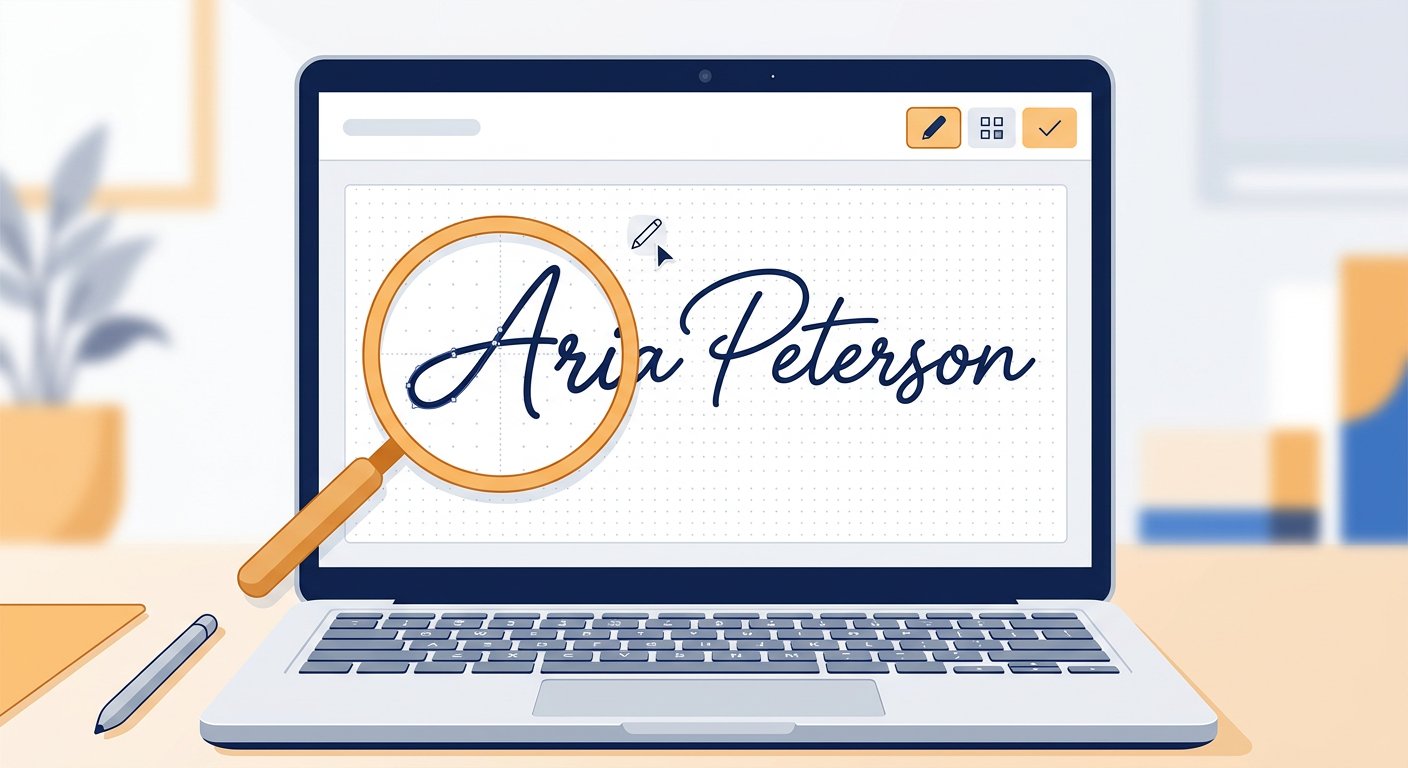
An SVG signature redrawn as crisp vector curves on a screen

What Is an SVG Signature Generator?

An SVG signature is just a signature kept in a special file format. SVG stands for Scalable Vector Graphics. Instead of saving your mark as a grid of tiny colored dots, the file stores it as shapes and curves. When you open the file, your computer redraws those shapes, so it can appear at almost any size you want.

An SVG signature generator is an online tool that builds that file for you. There's no scanning paper or tracing a photo. You make the signature right in the tool: draw it freehand, or type your name and let the generator set it in a handwriting-style font. Once it's ready, you export it as an SVG file you can keep and reuse.

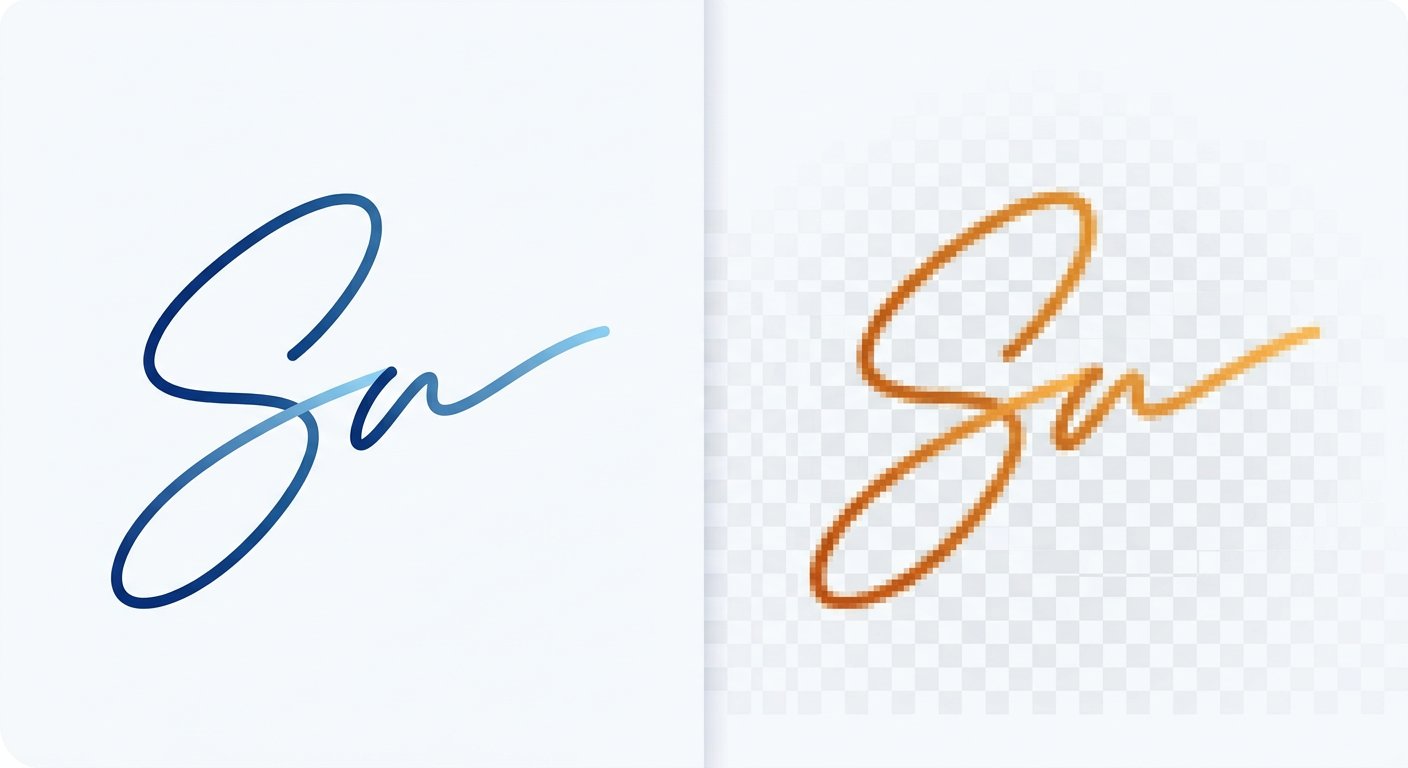
Here's the real difference from a normal signature image. A regular image, like a JPG, is locked to one set number of pixels. Blow it up and the edges go blurry. An SVG has no fixed resolution, because it redraws the same curves at any size. That's why a scalable SVG stays sharp whether it's small on screen or scaled up for a full page.
How Can You Create an SVG Signature Online?

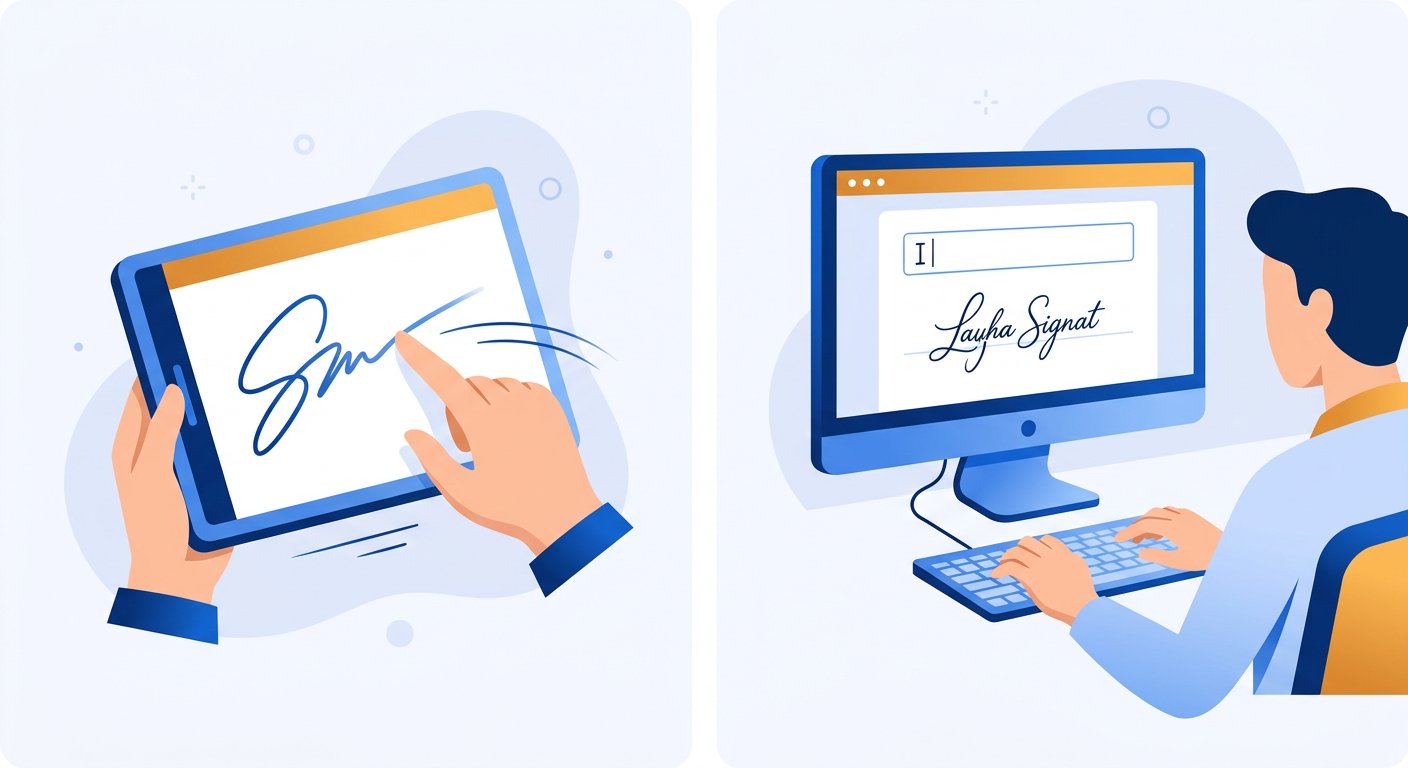
This tool gives you two easy ways to start. You can draw a handwritten signature on the pad with a mouse, a trackpad, or your finger on a touch screen. Or you can type your name or initials and pick from the handwriting and script styles the tool offers.

Whichever route you choose, the next steps look the same. Customize the ink so the mark feels right. Pick a color, and if you're drawing, set the stroke thickness to match your usual pen. Some designs even add a decorative flourish around a typed name. Watch the preview as you go, and you'll see exactly how it turns out before you finish.

Last, save your work. Download the SVG to your device and keep the file somewhere easy to find. Once it's saved, that signature is yours to reuse. You won't need to start over the next time a document asks for your mark.

Drawing a signature on a touchscreen and typing a name on a desktop to create an online signature
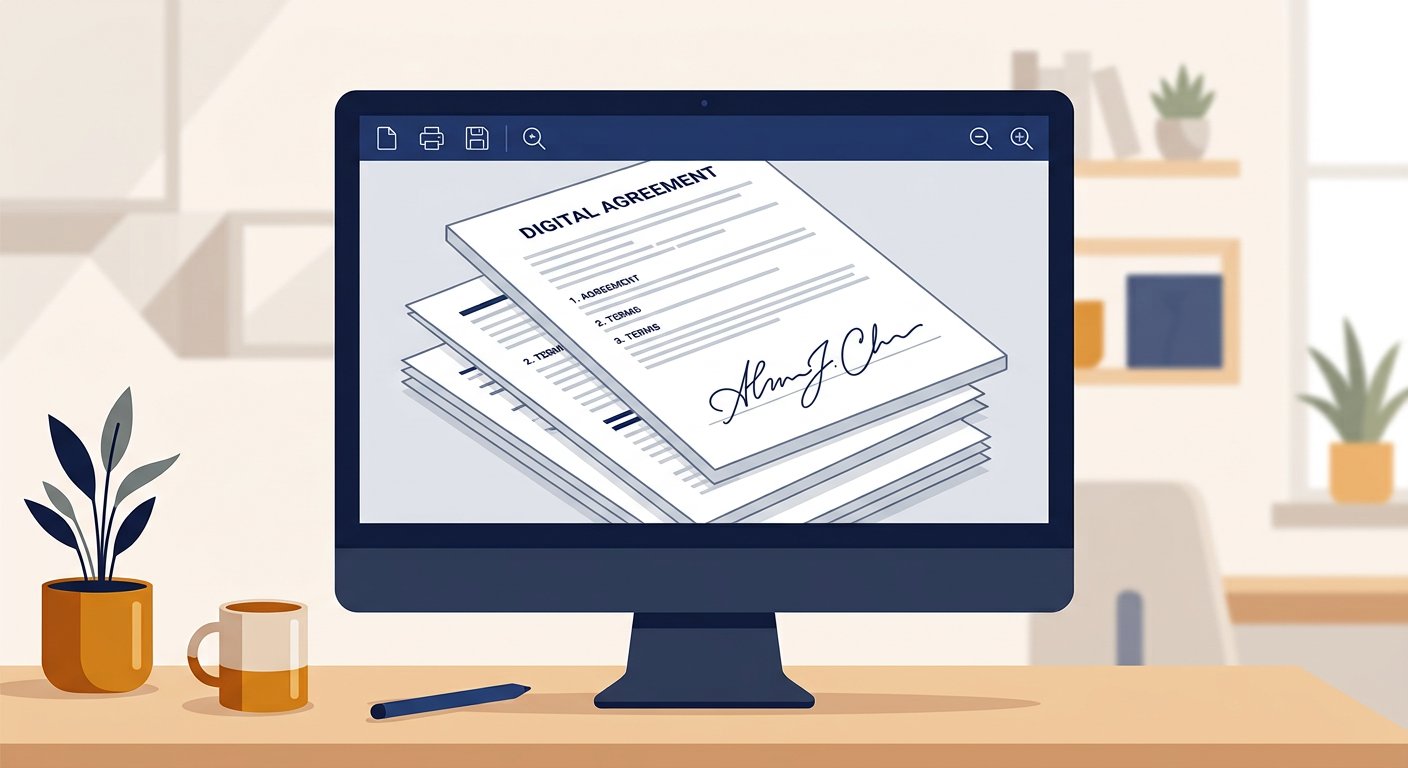
A clean vector signature placed on the signature line of digital documents and a PDF

Why Use an SVG Signature for Documents?

A reusable SVG signature is handy whenever the same mark shows up in lots of digital files. It fits neatly on forms and PDF documents, and people often use it for business and personal paperwork they fill in on screen.

The big plus is clarity at any size. On screen you might want a compact signature under your typed name. On a printed page, you may need that same signature much bigger. Because SVG is vector-based, one file covers both cases without losing quality. Fine lines stay sharp, where a low-resolution image would start to look rough.

One thing to keep in mind: a signature image, in any format, is only a picture of your mark. It can make a document look signed, but on its own it doesn't prove who signed it or carry legal weight. If a file really needs a recognized electronic or digital signature, use a proper signing service or the signing tool built into the platform.

SVG vs PNG Signature: Which Format Should You Use?

SVG and PNG both hold a signature, but they work in very different ways. PNG is a raster format, so it records your signature as a fixed grid of pixels. Each pixel carries color and usually transparency. SVG is a vector format. It saves paths and curves that can be redrawn at any scale.

The biggest practical difference comes down to resizing. Because an SVG redraws its curves, it scales up or down without pixelation and stays crisp at any size. A PNG is created at one resolution. It looks fine at or below that size, but enlarge it and the edges soften.

So which should you pick? It depends on the task. Reach for SVG when the size may keep changing, or when you work in vector-friendly design and print software. Choose a PNG signature when you need a standard image that opens in almost any program. Many word processors and PDF editors won't open SVG files directly, so PNG is often the safer choice there. Both formats are useful, and the right one is the one that fits your software.

A crisp vector signature curve beside the same signature shown pixelated
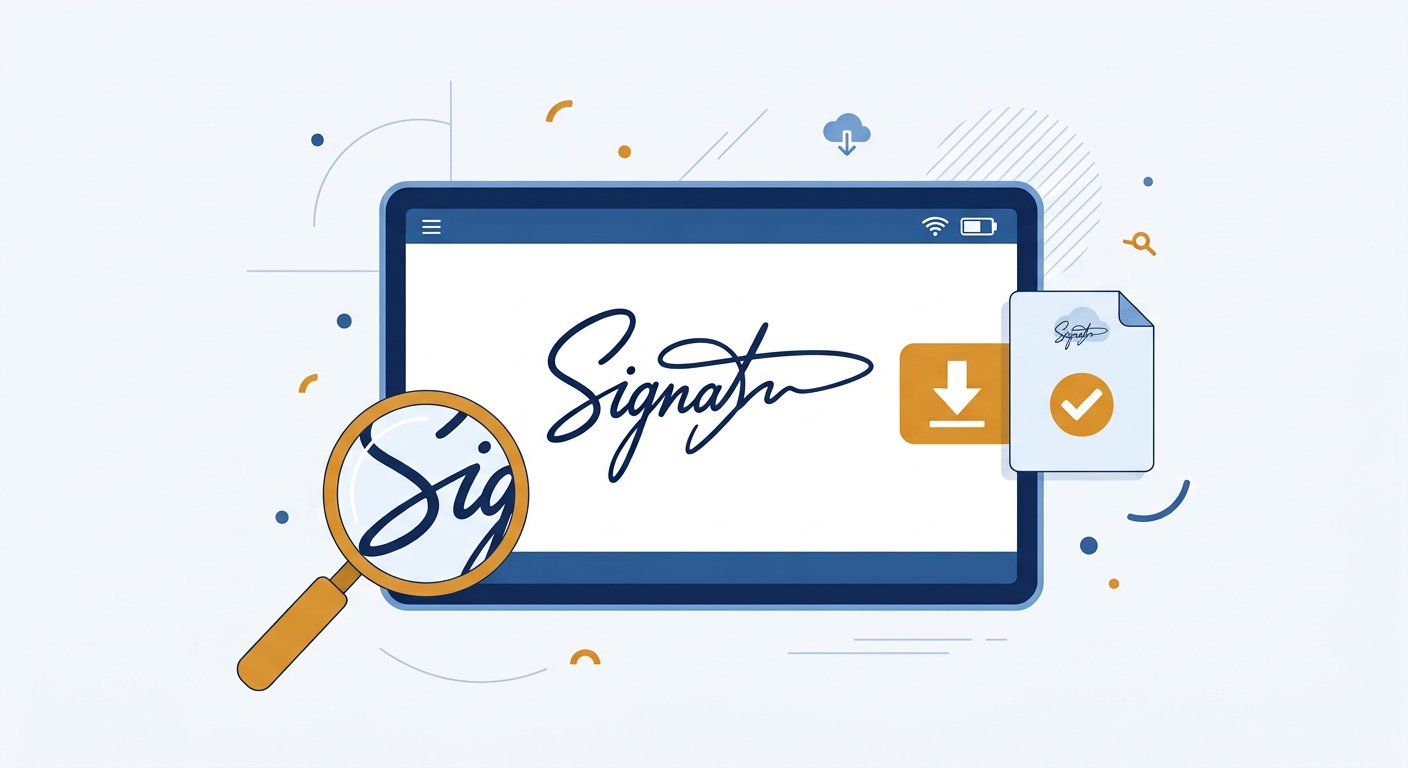
Downloading and saving a finished vector signature file to a device

How Do You Download and Use an SVG Signature?

Once you've previewed a signature you like, you can save it. The generator exports your signature as an SVG file that you download to your computer or phone. This free signature generator also lets you grab a PNG at the same time, which is handy when a program won't take vector files.

To use an SVG signature, open it in an app that supports vector images. Design and illustration programs accept SVG files directly and let you import, place, and scale them without losing quality. From there you can drop the signature onto the documents, PDFs, and layouts you're building.

If a program you use daily won't open SVG, convert the file first. Your downloaded SVG can be exported or changed into a PNG whenever you need one. That gives you a single source signature that works in both vector software and everyday image programs.

Key Things to Remember

Related Free Tools

View all tools →

Frequently Asked Questions

Have more questions? Contact us support@freesignaturegenerator.org

Your Signature. Your Style. Create It Free Today.

Type your name or draw it on the pad. Pick a style that fits. Download your signature in seconds — free, no account needed.

Create My Free Signature

No sign-up · No watermark · Free forever