Home / Tools / Digital Signature Generator
Free Online ToolSign digital documents without printing. Generate an electronic signature image and place it into PDFs, forms and email approvals — free and instant.
Your signature will appear here — just type your name above
AI is designing your signature…
✨ Click any style to apply it instantly — all 31 designs are free
1/6100% free · No sign-up required · Transparent PNG download
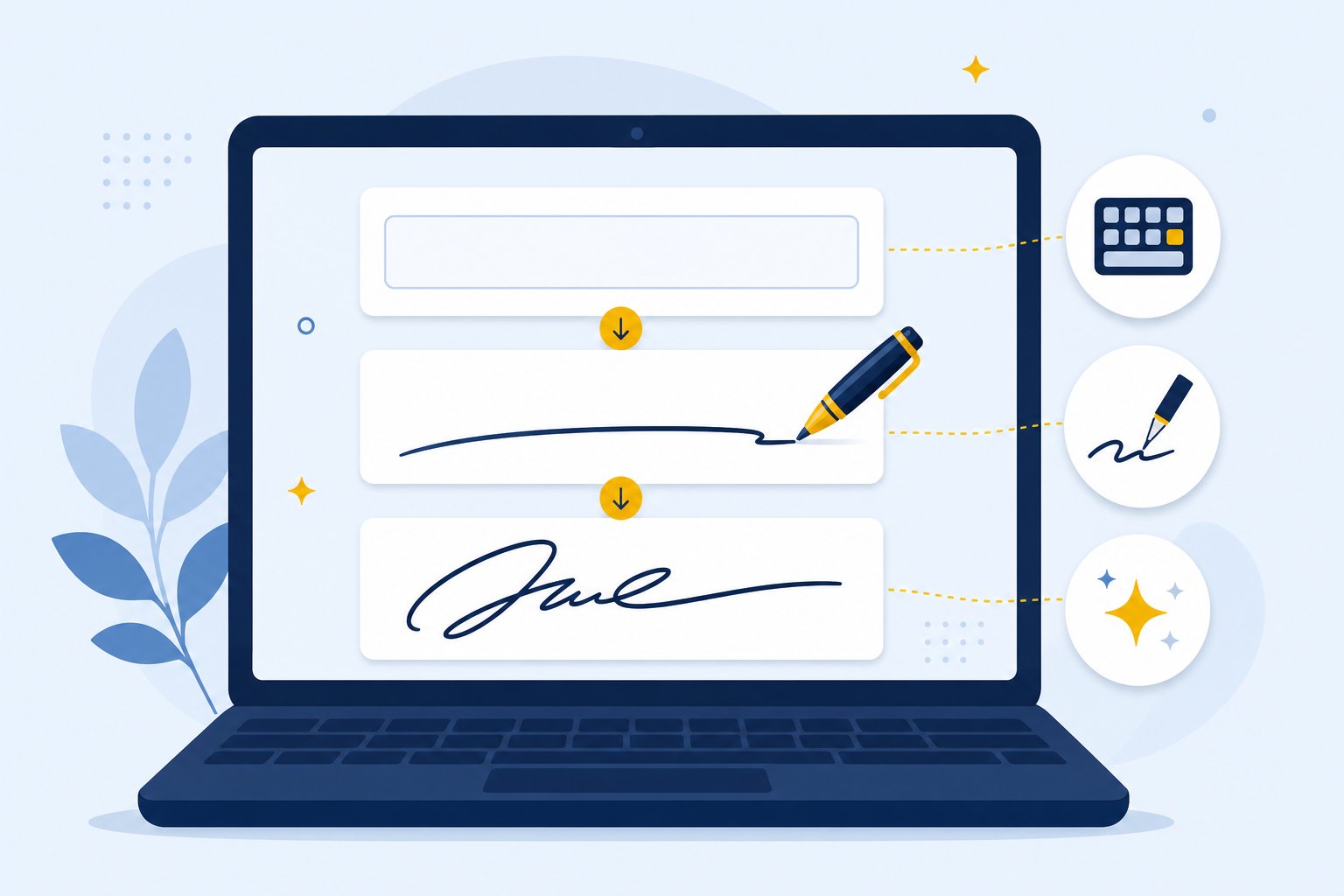
Digital-first signing in three steps.
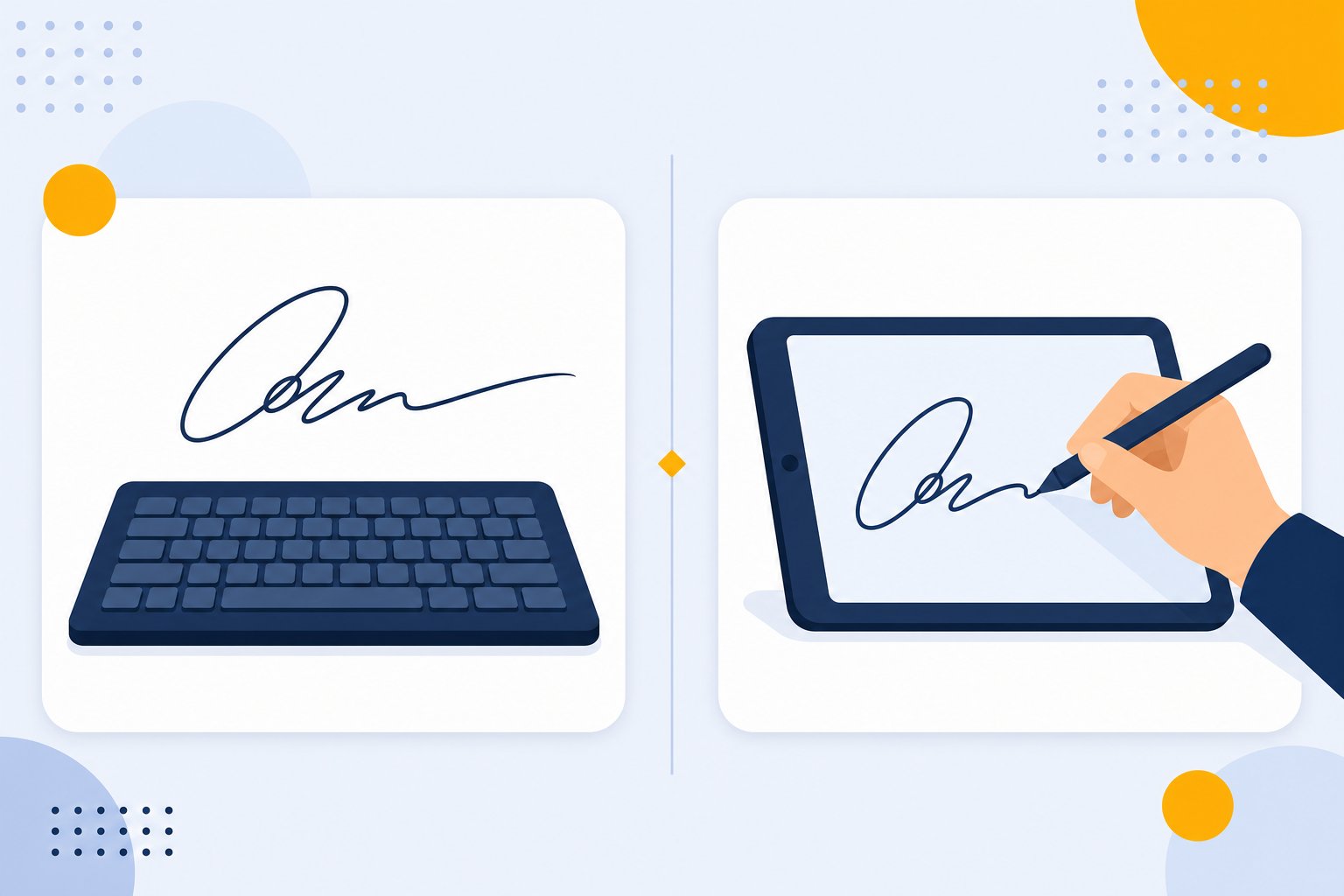
Fonts, AI designs, or your own hand — all work on any device.
Preview every style live before you commit.
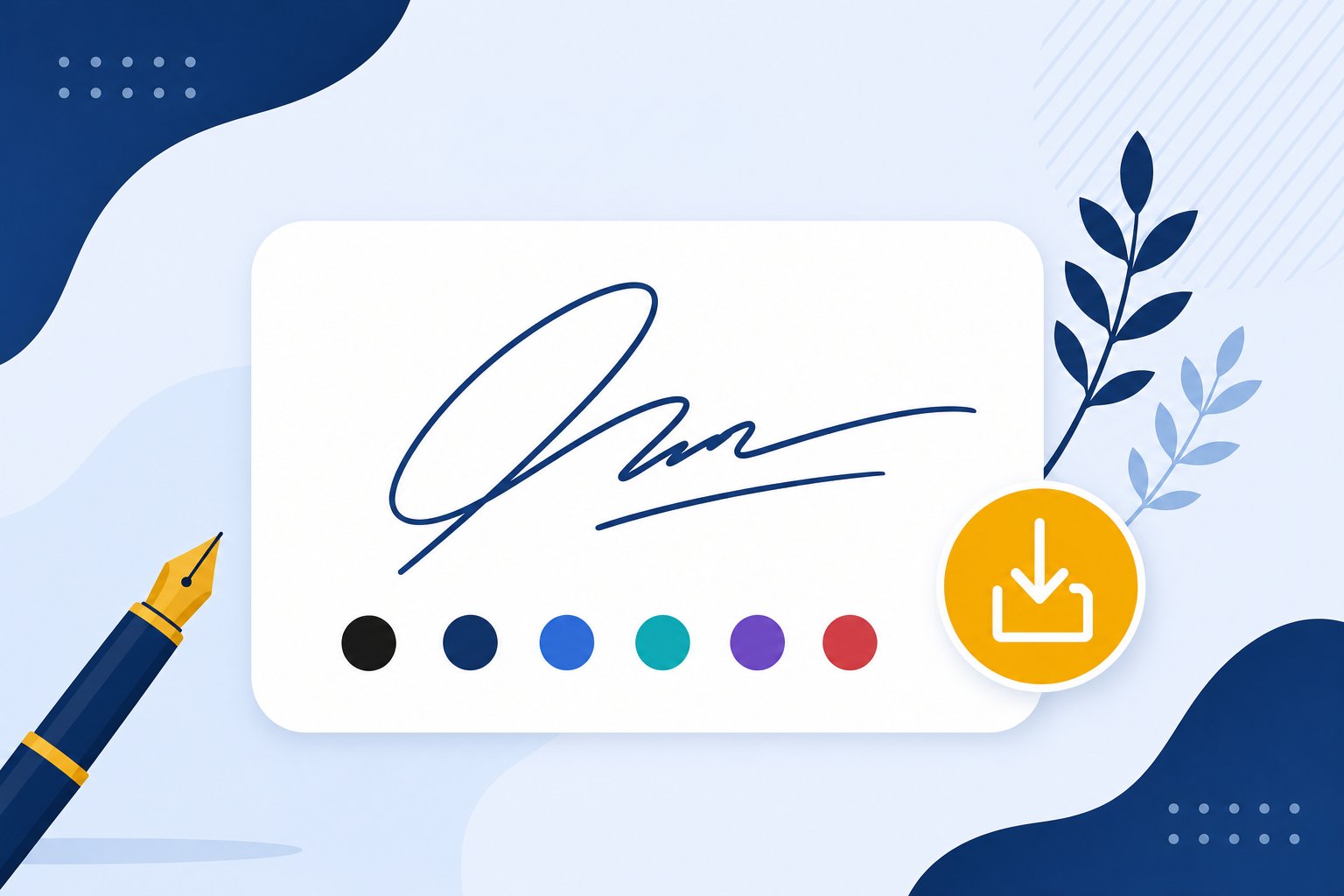
Crisp transparent PNG that drops into any signing workflow.
Signing should not need a printer.
Every modern workflow that needs your mark.
DocuSign, HelloSign-style flows with a cleaner signature image.
Drop your signature into Acrobat, Preview or online editors.
Generate on desktop, use on your phone instantly.
Digital-first forms and applications get real signatures.
Secure-looking marks on proposals and agreements.
Works with any cloud document system you already run.
Digital documents love transparent PNGs — no boxes, no artifacts, ever.
Zero background — the signature floats over any document, page or email body. This is the tool's default output, crisp at any zoom.
Great for flat white documents and quick drafts — but shows a white box over colored backgrounds and textures.
Infinite scaling for pro design and print work — most everyday editors don't accept SVG drops, so casual users should stick to PNG.
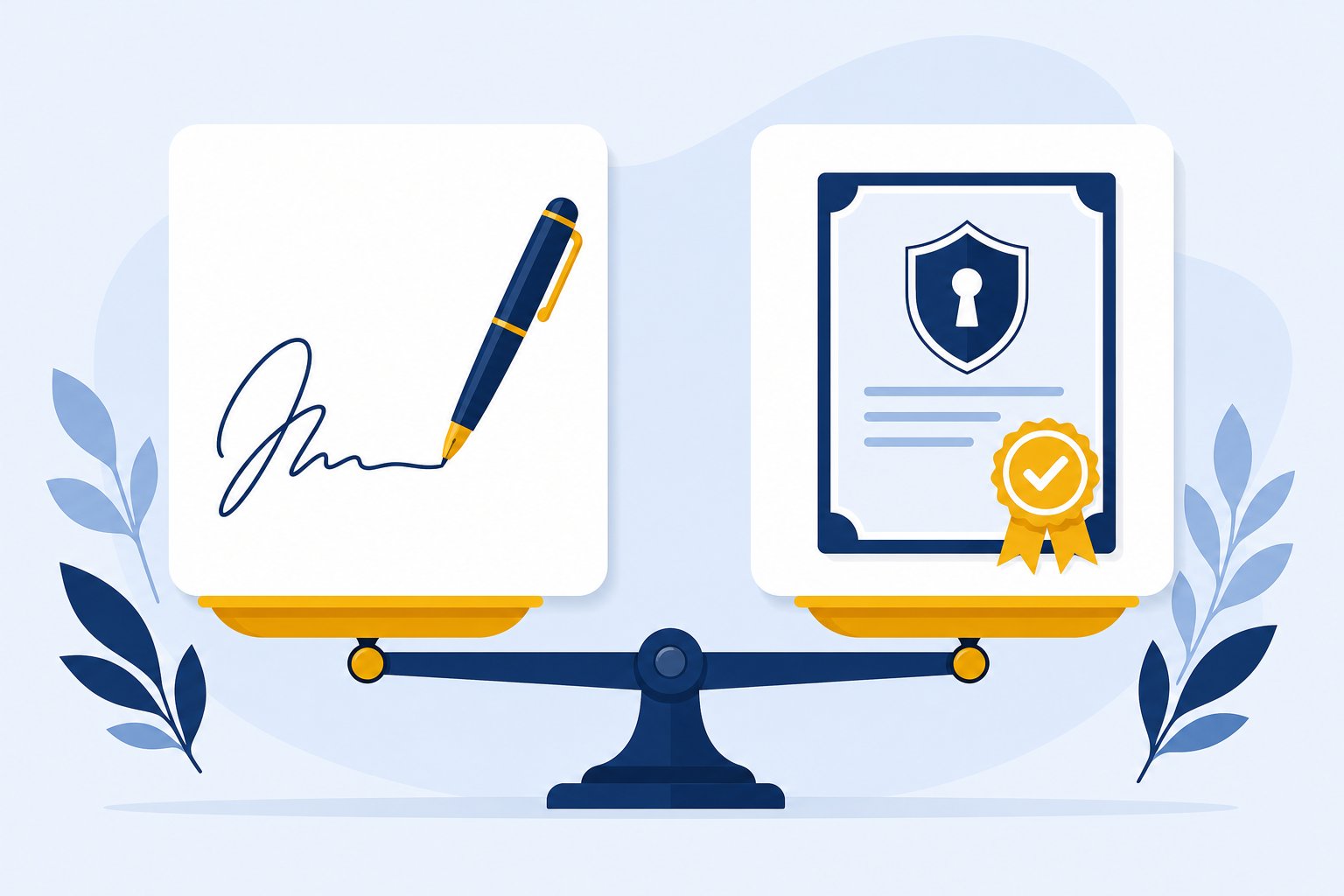
The phrase covers three very different things, and mixing them up is the source of most confusion online. Sorting them takes one minute.
A mathematical certificate bound to your identity, issued by platforms like DocuSign or Adobe Sign. It proves who signed and that nothing changed after signing. Banks and regulated industries ask for this one.
You type your name in a platform's signing box and it converts it into a styled mark. Most e-sign services work this way for everyday contracts and approvals.
A picture of your signature on a transparent background that you place onto documents yourself. This is what the generator on this page makes, and it covers most personal and freelance paperwork.
If a document workflow asks for a digital signature, check whether it means the image. Nine times out of ten, a PNG of your mark is all it wants.
You do not have to abandon your real handwriting. The fastest digital signature is the one you have practiced for years.
Sign on plain white paper in good light, take a phone photo from straight above, and run it through the signature from image generator. It removes the paper background automatically and hands you a clean transparent PNG of your actual handwriting. That file behaves identically to anything made on this page, except it started in your own hand.
The old way takes ten minutes and a machine you probably do not own anymore. The new way takes about forty seconds.
Nobody misses the printer. The only thing the old routine gave you was a grey shadow around your signature.
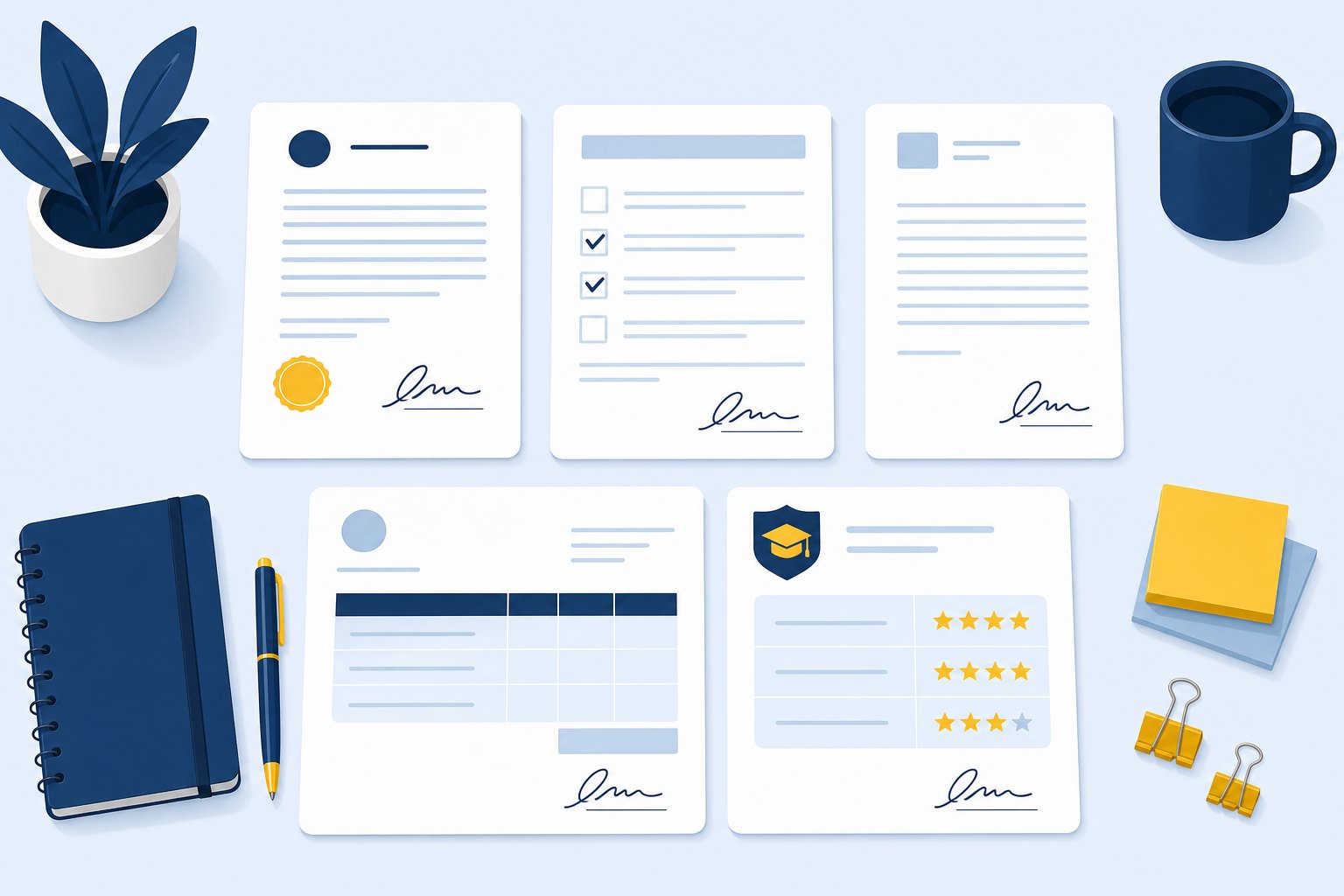
The everyday pile of paperwork people sign with exactly this workflow.
Landlords happily accept inserted signature images on lease renewals and move-in checklists because the document still looks signed.
Scope agreements, NDAs and completion sign-offs between people who already agreed by email. The image version is standard practice in the freelance world.
Permission slips, enrollment updates, scholarship applications. Anything that used to mean a trip to the school office.
Expense sign-offs, leave requests, purchase approvals. Teams that moved to PDF workflows years ago rely on inserted signature images daily.
Cover letters, recommendation notes, anything sent as an attachment where a typed name at the bottom feels too impersonal.
Wills, notarized transfers and court filings usually insist on wet ink or a certified e-sign platform. When a document feels like that category, the safe move is to ask before using an image.
Transparent PNGs work with every PDF editor and e-signing platform.
One saved signature, identical on every document — no more shaky trackpad signing.
Type it in 31 fonts, let AI design it, or draw it with natural ink flow.
These reviews come directly from users on Trustpilot and ProductHunt. We don't edit them — you read exactly what they wrote.
Have more questions? Contact us support@freesignaturegenerator.org
Type your name or draw it on the pad. Pick a style that fits. Download your signature in seconds — free, no account needed.
Create My Free SignatureNo sign-up · No watermark · Free forever
Download should start automatically — if not, use the options below.
Tip: you can also right-click the image → "Save image as…"