Home / Tools / Signature Font Generator
Free Online ToolA signature font generator is a free online signature generator that turns your typed name into a picture of a signature. You just type your name, and the tool writes it in fonts that look like real handwriting, like flowing cursive or fancy calligraphy. Some styles feel fun and personal, while others look clean and professional. This guide shows you how to type your name, pick a font, download your signature as a PNG, and add it to documents and email.
Your signature will appear here. Just type your name above
AI is designing your signature…
✨ Click any style to apply it instantly. All 31 designs are free
1/6100% free · No sign-up required · Transparent PNG download
A signature font is just a font that looks like real handwriting. A signature font generator brings many of these fonts together in one place and puts them over your name. That way, you can create a signature online without downloading software or practicing your handwriting.
You type your name once, and the tool shows it to you in cursive, script, and calligraphy styles at the same time. No need to search through piles of fonts. When you find one you like, you can download it as an image and use it again and again. It's a quick way to get a neat, steady sign-off for all your digital work.
It works right in your web browser. The tool uses real handwriting fonts, so every letter you type gets shaped by the font you picked. As you type, the preview changes instantly to show your name in that style.
Like what you see? Then download it. The file is a clear, high-quality image, and it saves as a transparent PNG by default. That means the ink sits on top of any background without a white box around it. The whole thing takes a few seconds, happens on your screen, and costs nothing.
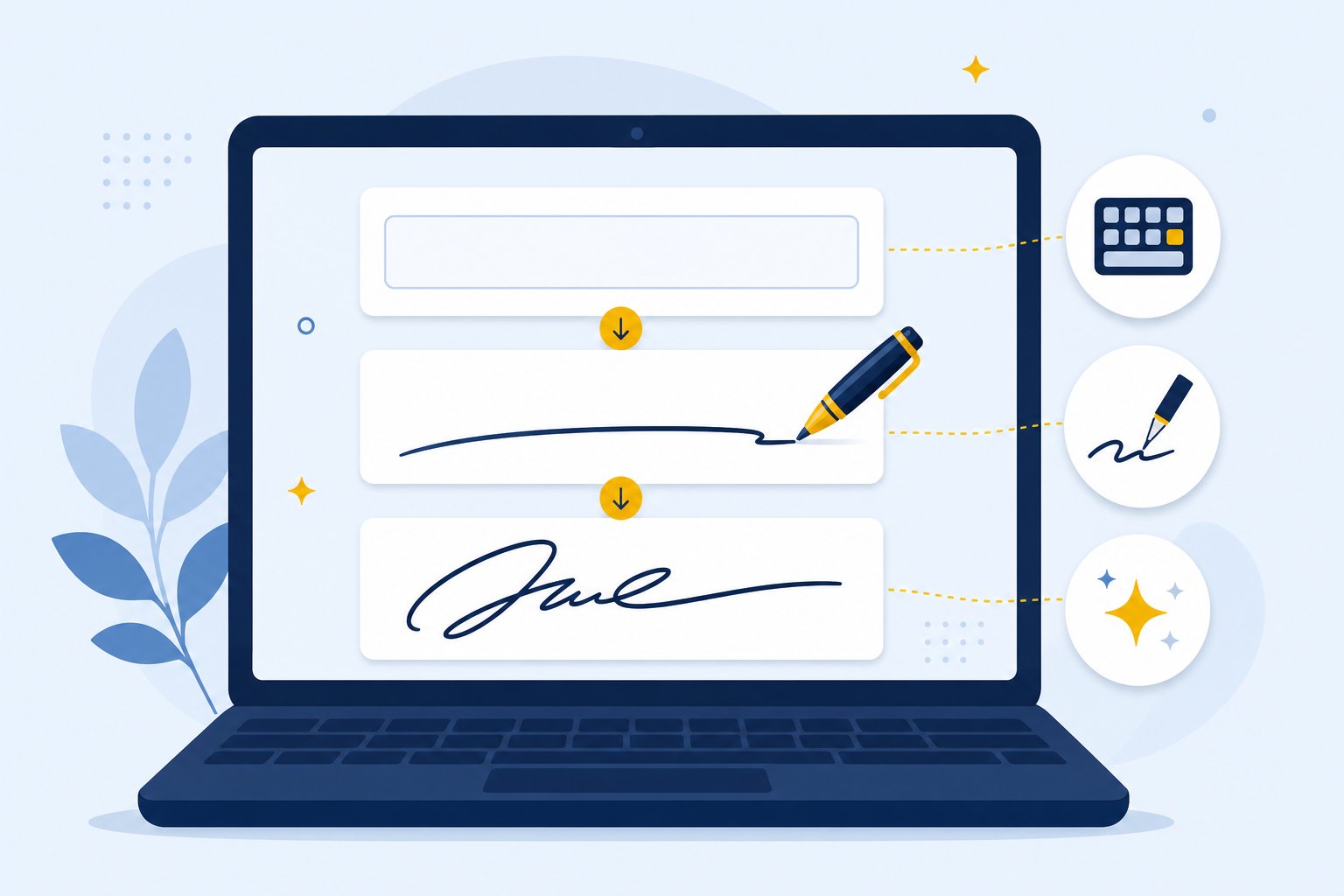
It's really three simple steps. First, type your name in the box above. Next, click through the different fonts to see how your name looks in each one. Then pick your favorite and download the image.
Use your full name, just your first name, or a name with initials. If you have a long name, don't worry. The preview shrinks the text a little so everything fits on one line. Take your time and look at a few styles, because a font that looks plain on a sample word might look great with your actual letters. When you're happy, the transparent PNG is ready to drop into anything that takes an image.
The best font depends on where you'll use the signature. Here are the main types and when each one fits:
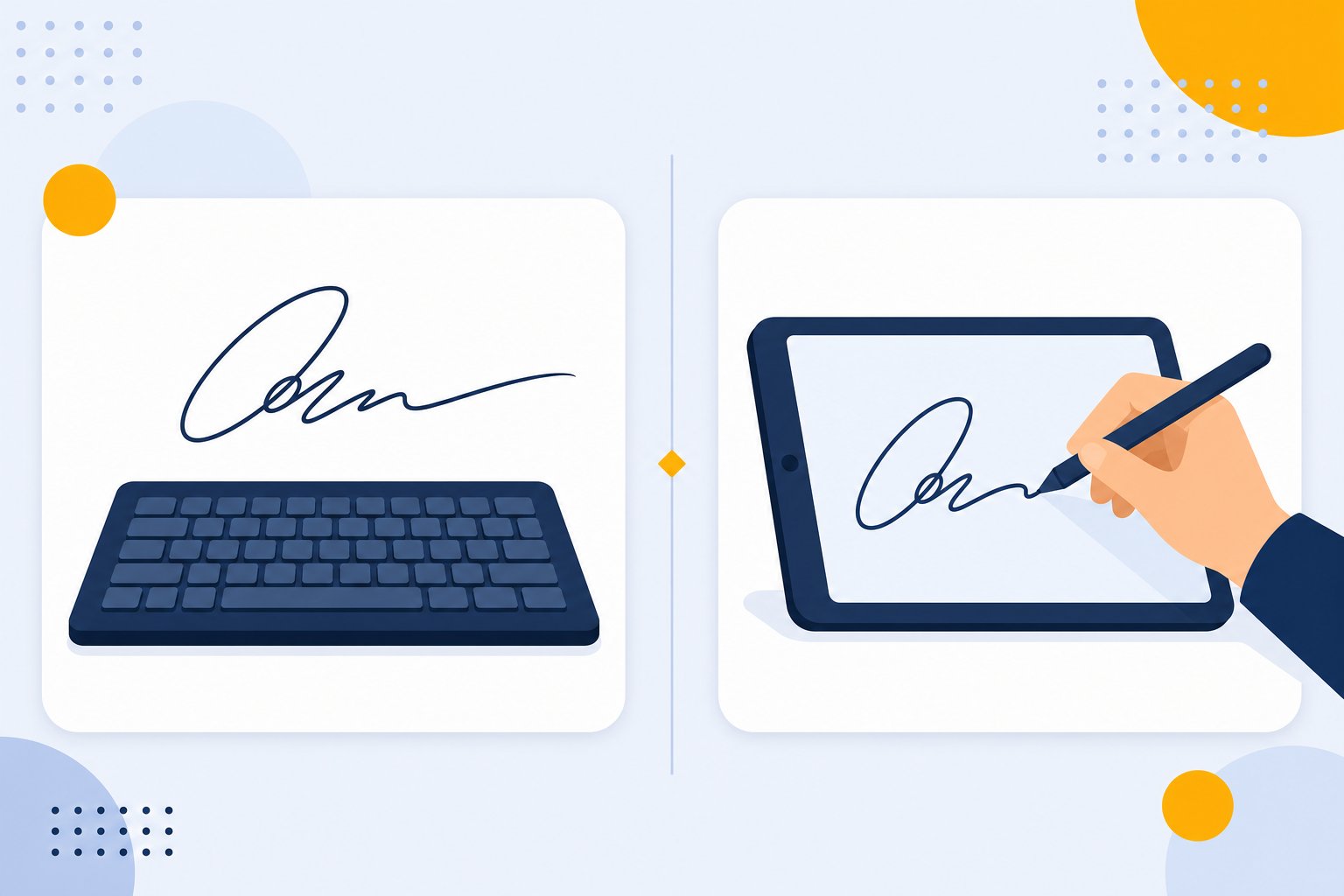
Would you rather draw your own? You don't have to use a font at all. The handwritten signature generator lets you sign with your mouse, finger, or stylus instead.
A font looks like handwriting when it copies what a real pen does. The letters join together, the lines get thicker and thinner, and capital letters often get a little swirl. A letter like y or g may end in a long, loose tail. Small touches like these give the text a natural flow that plain, blocky print fonts don't have.
The best styles balance style with being easy to read. You want enough flair to feel personal, but not so much that people can't make out your name. The fanciest calligraphy can get hard to read, especially when it's shrunk down in an email footer, so save those really showy fonts for big, formal things.
No, they're not the same. A typed signature is just a picture of your name made from text, with a handwriting font over it. A real handwritten signature is something you make yourself, with a pen on paper or with your finger, a stylus, or a mouse on a screen. It carries your own hand movement.
A font can't copy your real handwriting, and anyone who picks the same font will end up with the same letter shapes. That's fine for personal use and everyday documents. Just remember it's a styled picture, not your own ink mark. Keep that in mind before treating it as your official legal signature.
Yes, to place it on a page. Once you download your signature as a PNG, you can add it to PDFs, Word files, contracts, letters, and forms. Just drop the image in, move it to the right spot, and resize it where the signature should go. Our guide shows how to insert a signature in Word, and the same transparent PNG works in most PDF and document apps.
But pasting a picture isn't the same as a proper online signing service. Those services keep track of who signed, when they agreed, and a record of the whole process. A plain PNG doesn't do any of that. If something truly has to be legally binding, use an official electronic signature process and follow the rules that apply to you.
Yes, and it's one of the most popular ways to use it. A signature picture at the end of an email adds a personal touch that plain typed text just can't. Upload the transparent PNG into your email's signature settings, and every message you send will end with the same handwritten-looking sign-off.
The same image works for plenty of other things too. Blog bylines, certificates, printed cards, and social profiles all look a bit nicer with a name that stands out. Stick with a simple, easy-to-read style so it stays clear on small screens. If you want a full footer with your contact details and not just a sign-off, an email signature generator can build the whole block for you.
Start with the little details. You can change the ink color to black, navy, blue, or teal, so pick one that fits the mood. Darker shades feel more formal. Try your full name and a shorter version to see which looks better, and test a few cursive, script, and calligraphy fonts before you decide.
A good signature is easy to read at the size you'll use it, suits the situation, and feels like it's yours. Here's a quick test: show your favorite to someone who hasn't seen it. If they can read your name in a couple of seconds, the font works. Then download the transparent PNG and keep it handy for anywhere you sign.
Have more questions? Contact us support@freesignaturegenerator.org
Type your name or draw it on the pad. Pick a style that fits. Download your signature in seconds — free, no account needed.
Create My Free SignatureNo sign-up · No watermark · Free forever
Your signature is ready 🎉
Download should start automatically — if not, use the options below.
Tip: you can also right-click the image → "Save image as…"