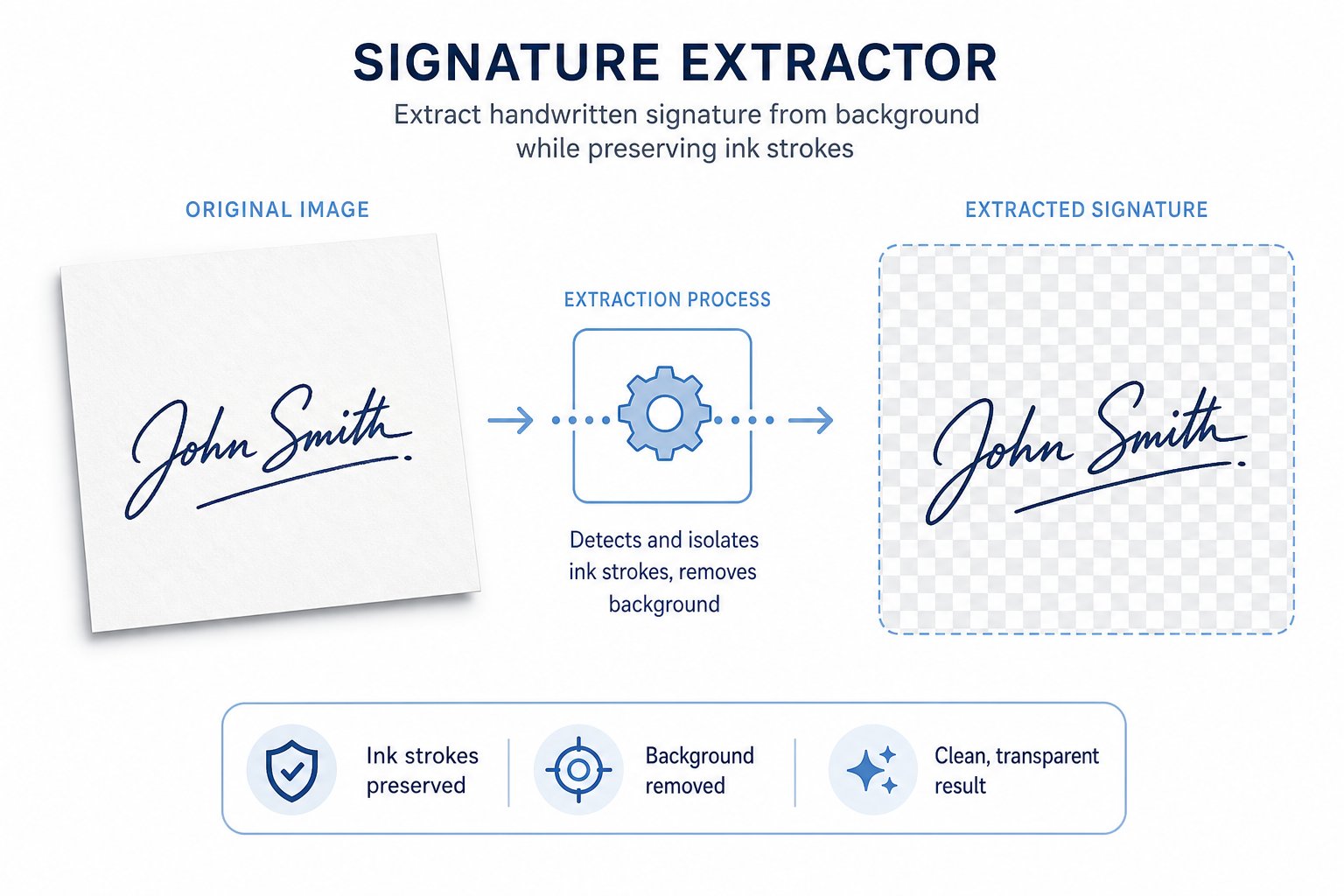
Drop in any photo or scan of your signature — dark ink on light paper works best.
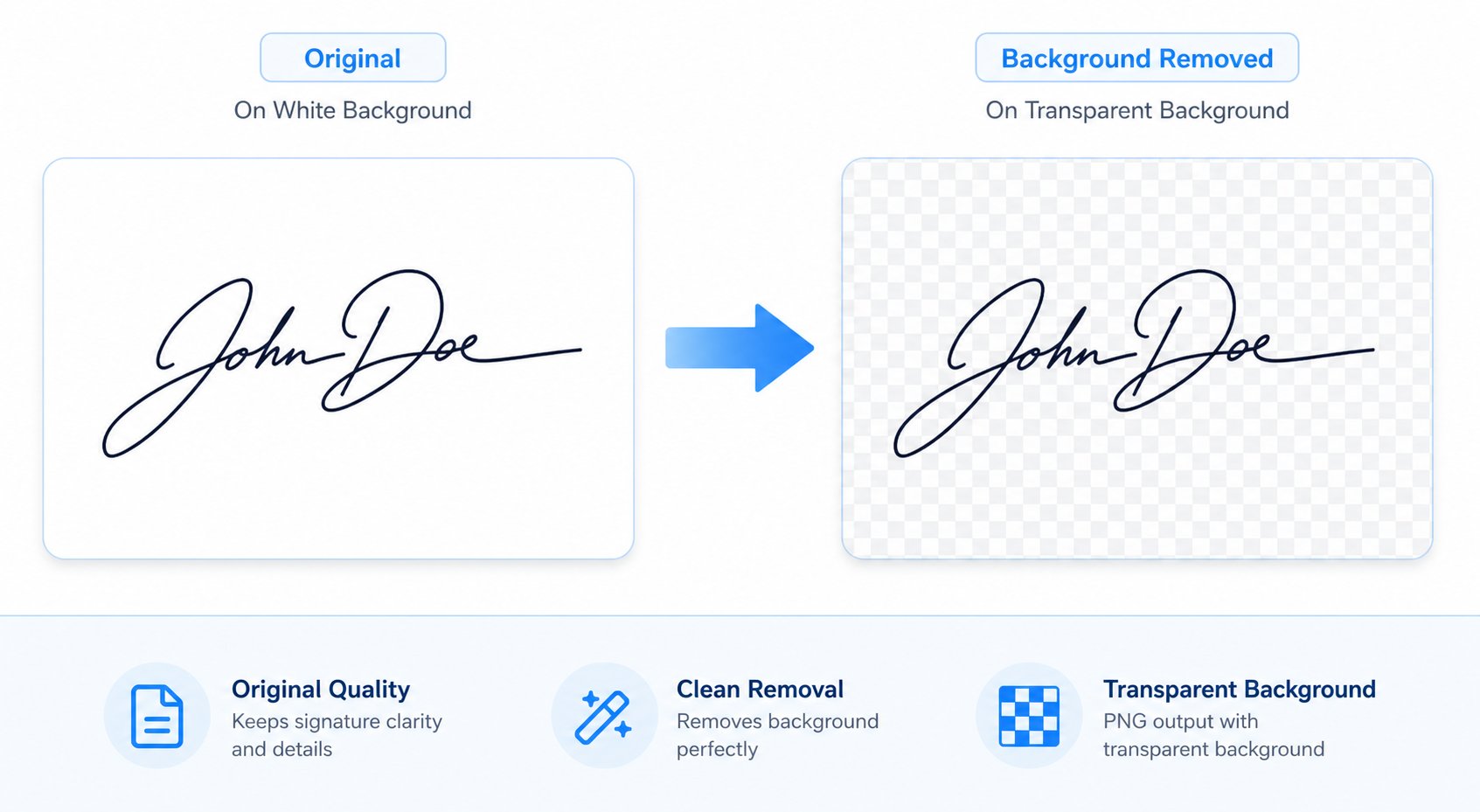
The paper background is removed automatically, keeping only your ink strokes.
Adjust the cleanup strength for crisp edges and export your transparent PNG free.
From paper photo to clean transparent PNG in three steps.
Any photo or scan of your pen-on-paper signature works — dark ink on light paper is ideal.
The paper background is removed automatically, keeping only your ink strokes.
Adjust the cleanup slider for crisp edges and export your transparent signature free.
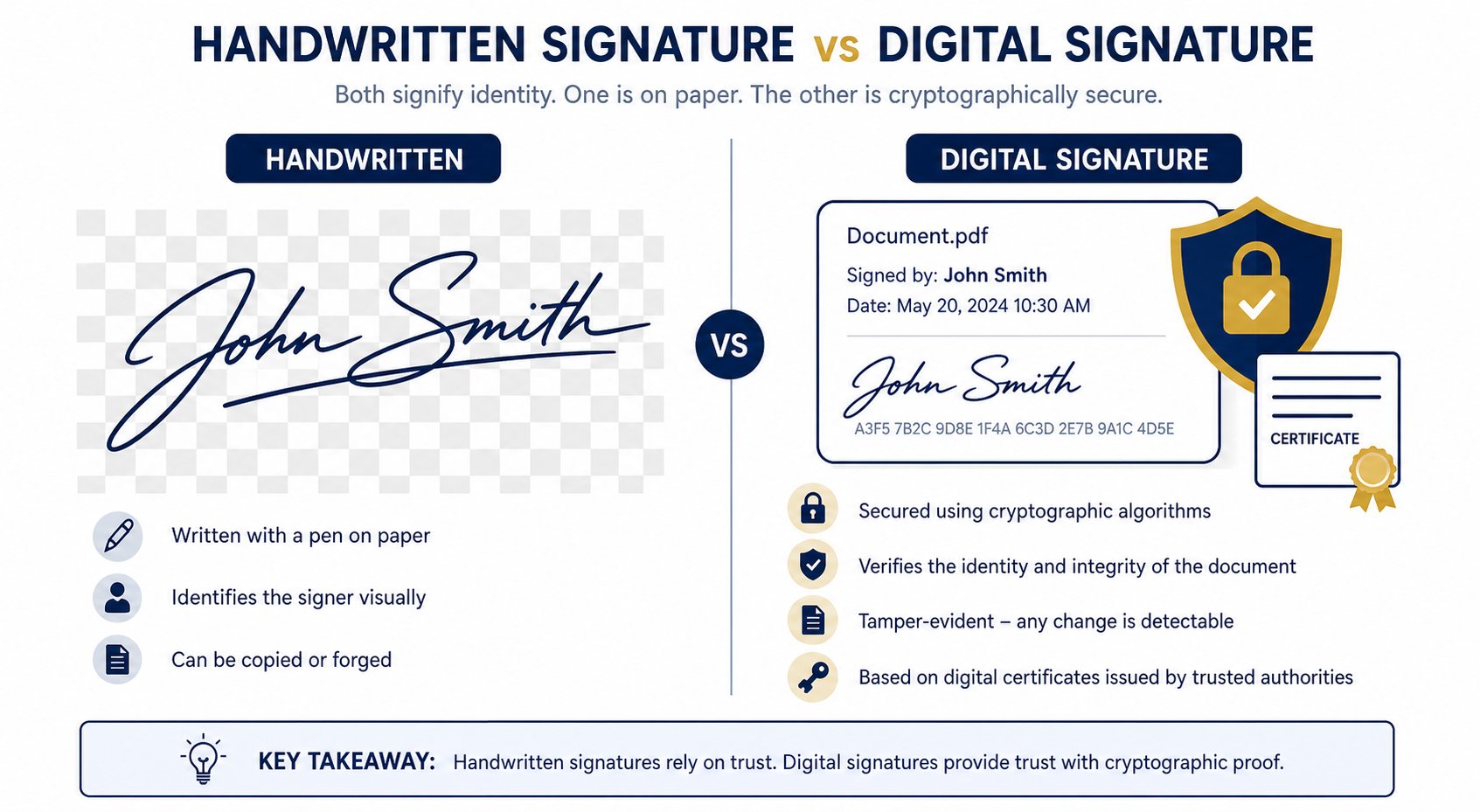
Your real hand is your best signature.
Your real signature, on tap. Anywhere.
The one you have used for years — now reusable digitally.
Snap a photo, extract, done — no scanner required.
Preserve parents' and grandparents' signatures for forms.
Extract signed receipts and slips from photos.
Keep your family's handwritten marks safely digitized.
Turn a beloved handwritten note into a permanent mark.
Extracted output is a transparent PNG by design — that is the whole point of this tool.
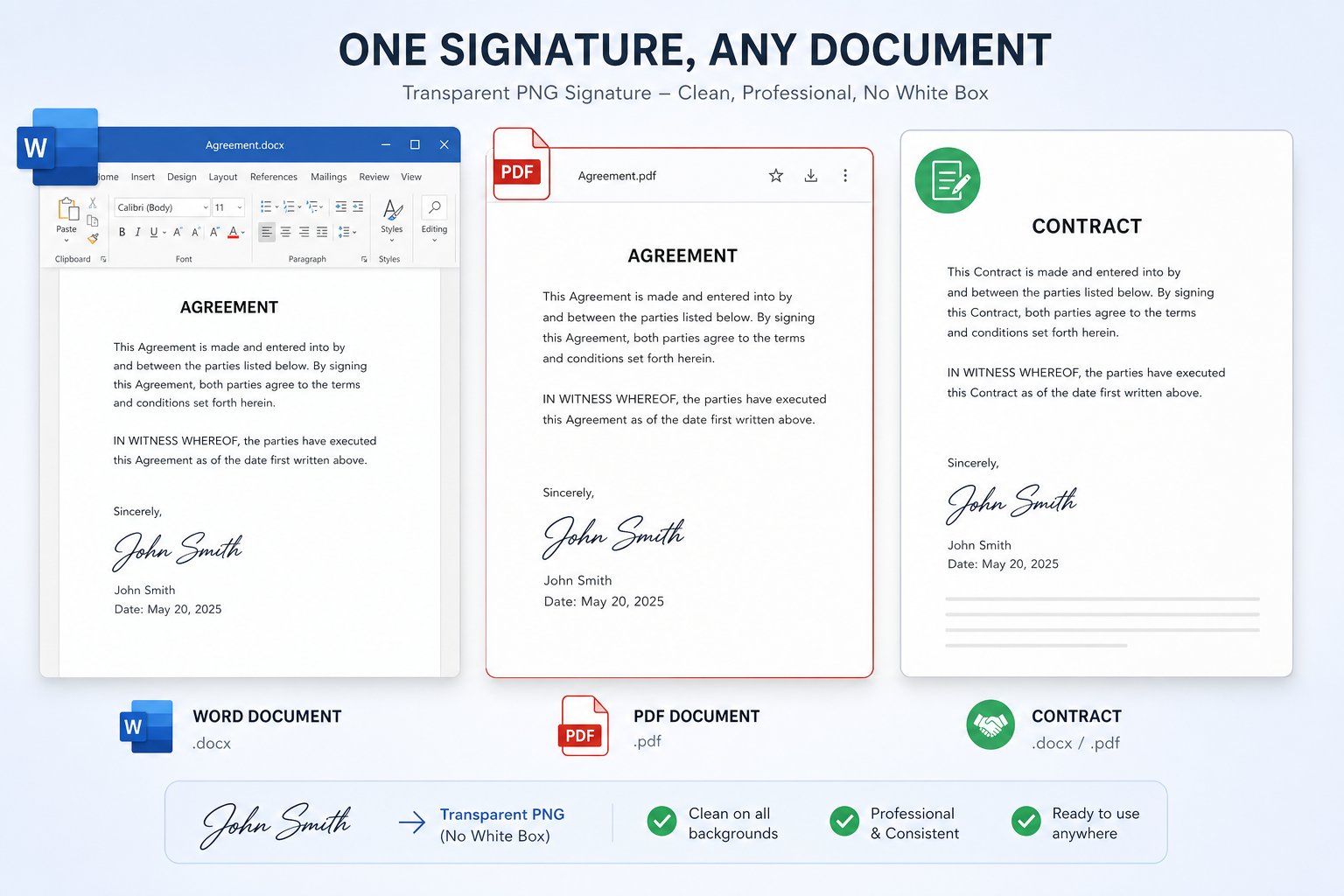
Zero background — the signature floats over any document, page or email body. This is the tool's default output, crisp at any zoom.
Great for flat white documents and quick drafts — but shows a white box over colored backgrounds and textures.
Infinite scaling for pro design and print work — most everyday editors don't accept SVG drops, so casual users should stick to PNG.
These reviews come directly from users on Trustpilot and ProductHunt. We don't edit them — you read exactly what they wrote.
Have more questions? Contact us support@freesignaturegenerator.org
Type your name or draw it on the pad. Pick a style that fits. Download your signature in seconds — free, no account needed.
Create My Free SignatureNo sign-up · No watermark · Free forever
Download should start automatically — if not, use the options below.
Tip: you can also right-click the image → "Save image as…"