Home / Tools / Background Remover
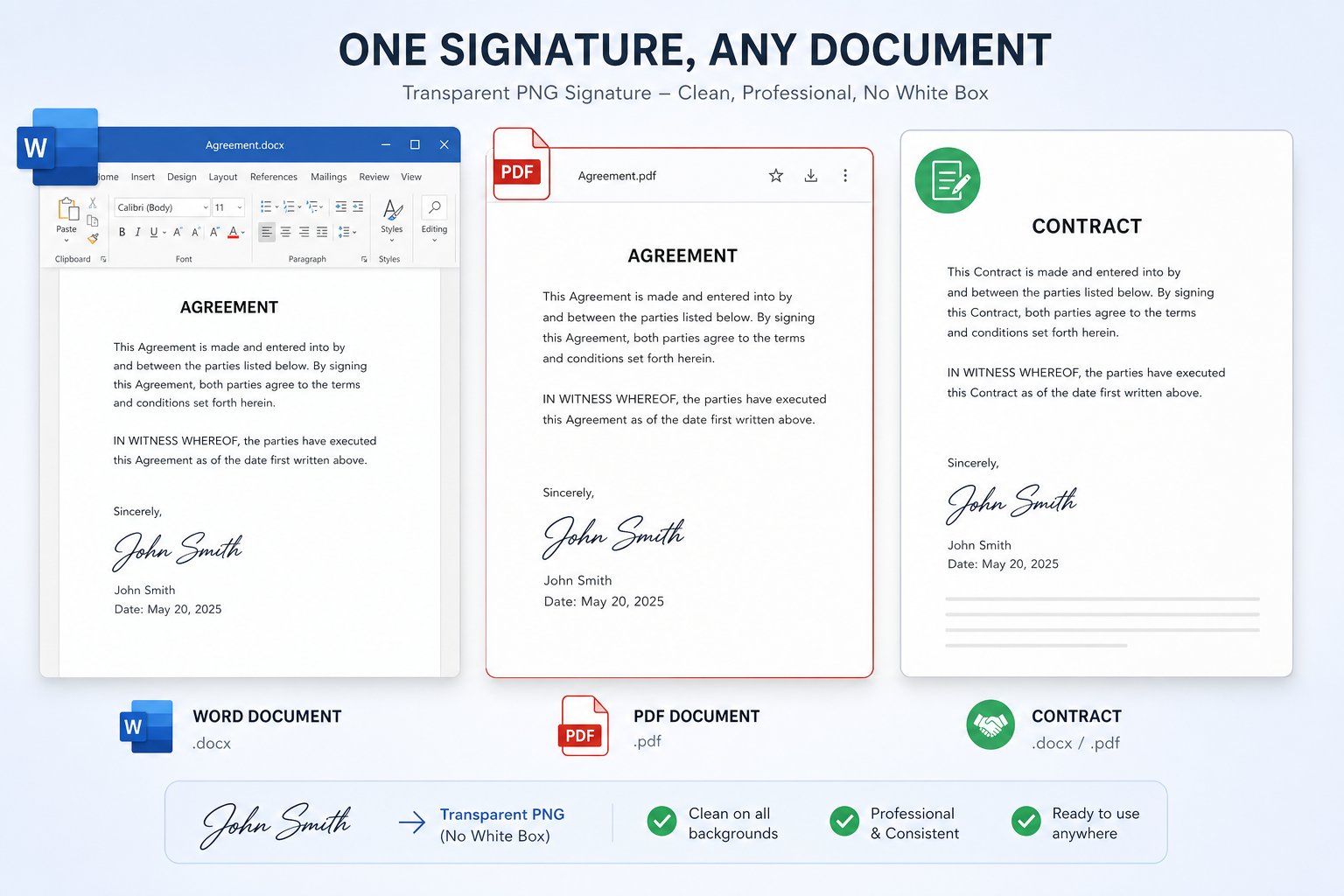
Free Online ToolGot a photo of your signature on paper? This free signature background remover clears the paper behind the ink so you get a transparent signature. Upload your signature image, check the preview, then download a PNG you can drop onto PDFs, Word files, online forms, and other digital documents without a white box.
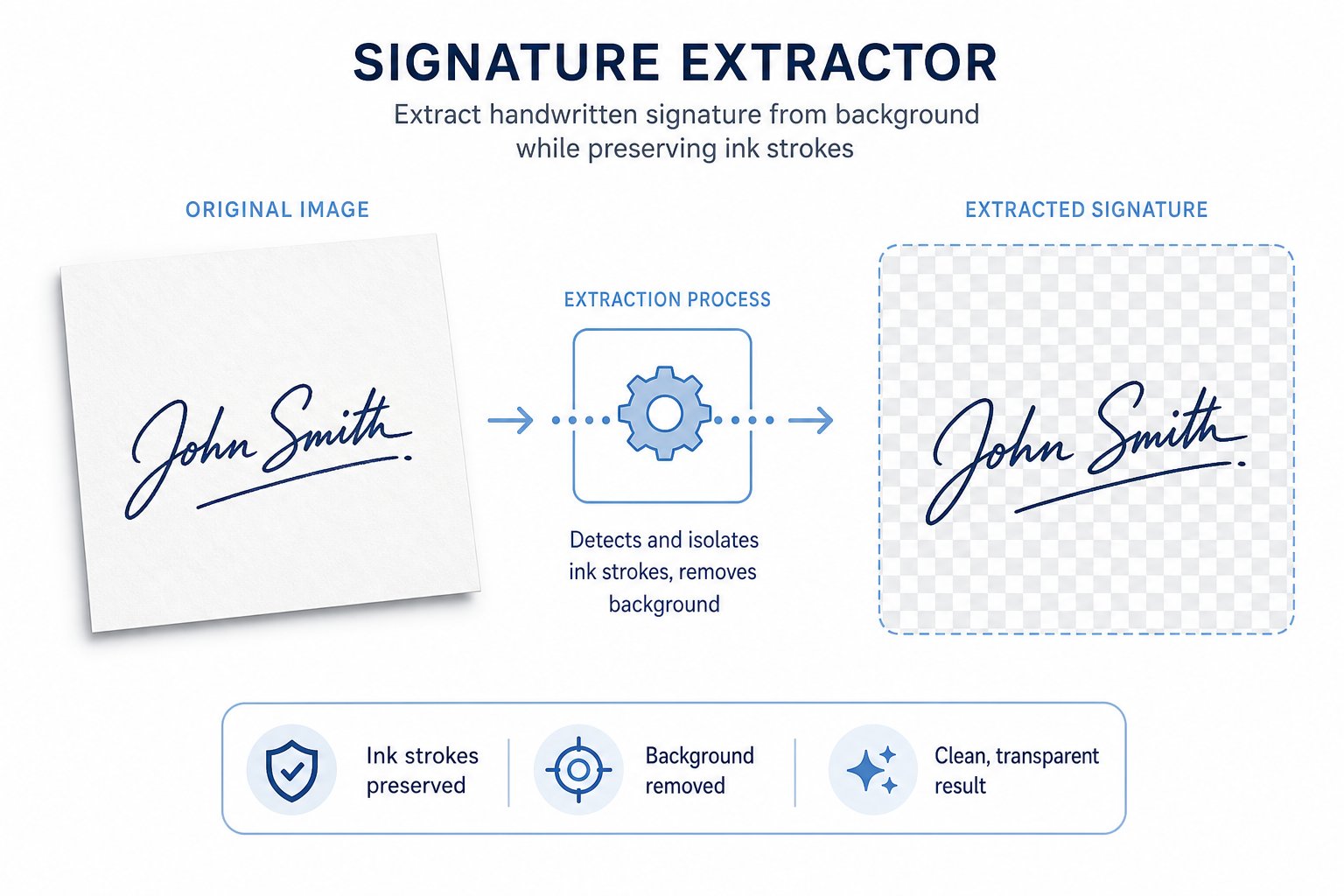
A signature background remover takes a photo or scan of your handwritten signature and clears the space around the ink. The strokes stay. The paper goes away.
Most people start by signing on white paper and taking a phone picture. That picture still shows the page. Paste it onto a form, and a solid box shows up behind your name.
Clearing the background fixes that. You get a transparent signature file you can reuse as a simple e-signature mark on everyday digital documents.
No software install is required. Open this page, upload the file, and work from the preview when you only need a clean mark for forms and agreements. That keeps the job quick when you already have a paper signature ready to reuse.
Use the tool above. A few steps are enough.
You can also drag and drop a file onto the upload area. After it processes, look at thin loops and tails. Save only when those strokes still look complete.
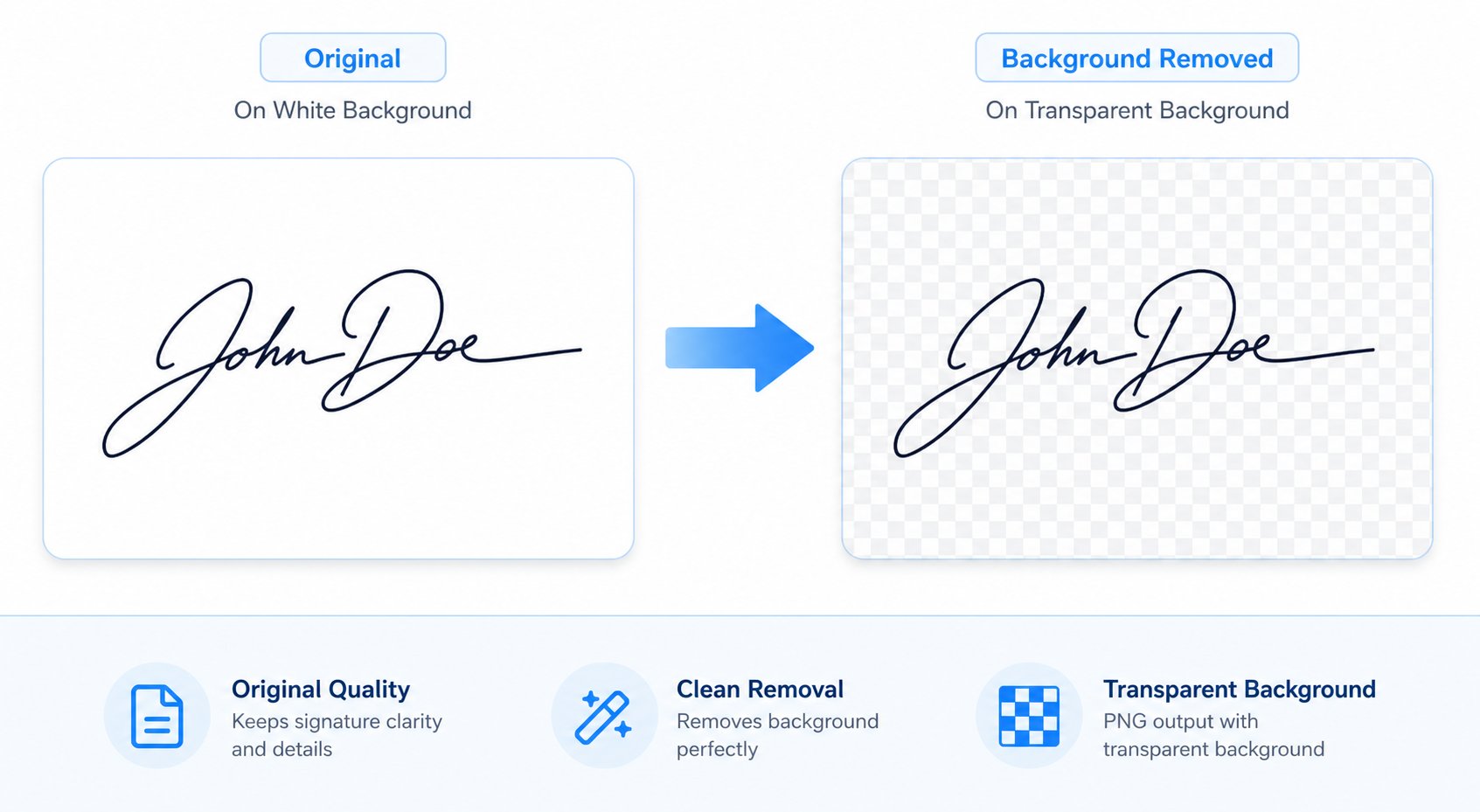
A transparent signature shows only the ink. Nothing sits behind it. That matters when you place the mark over text, lines, or colored fields.
JPG and JPEG files always keep a solid background. Even white paper can turn into a visible box on a page. PNG is different. A transparent PNG keeps the strokes and leaves the rest empty.
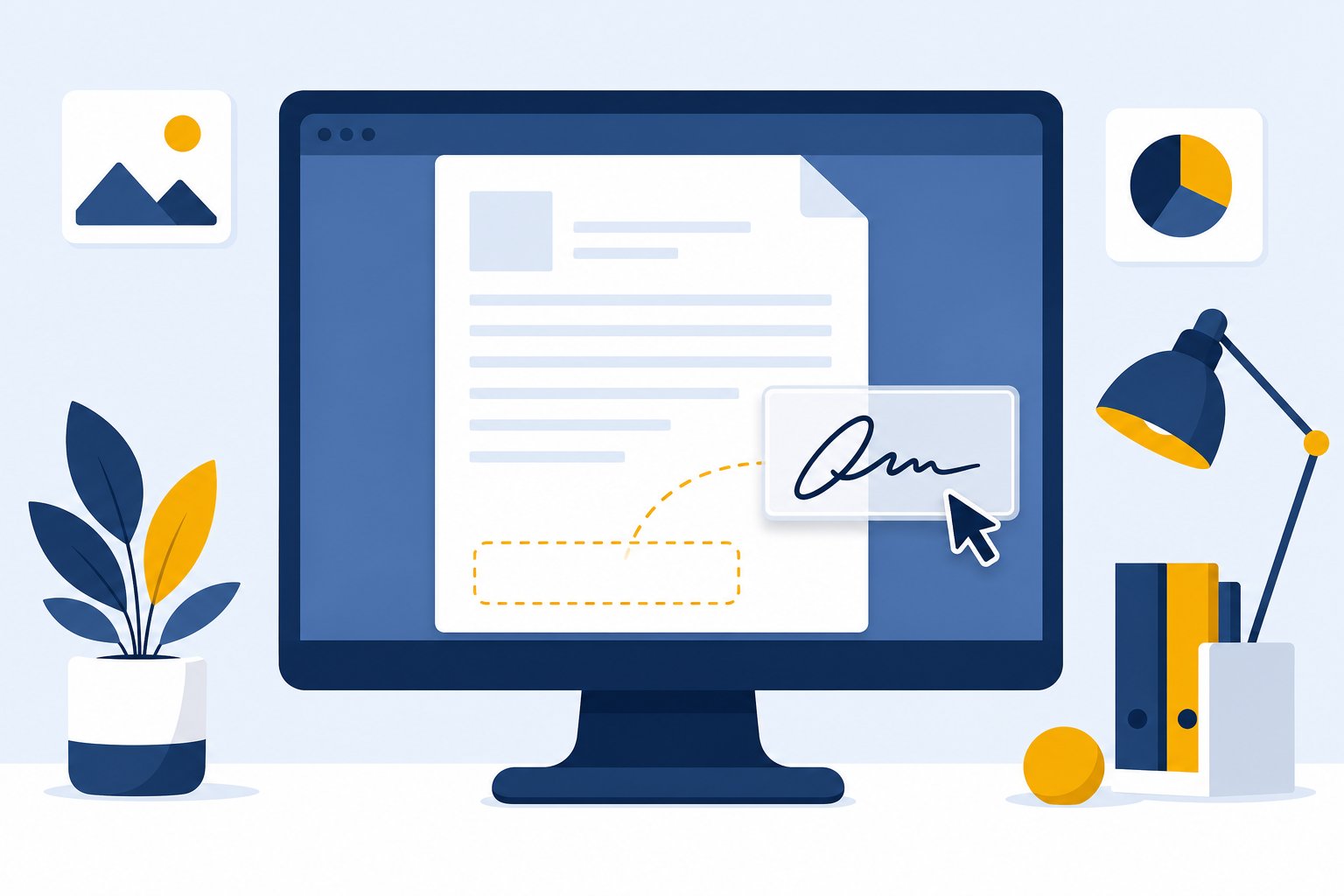
After you remove backgrounds here, download the result as PNG. Open your document editor and put the file on the signature line. The page underneath still shows, so the mark looks closer to real pen on paper.
Resize it to fit the field before you save the document. Keep one master PNG nearby so you don't need a new photo every time you sign online.
Sometimes the signature is only one part of a larger photo. You might have signed a letter, a notebook page, or a form and only need the name.
Crop close to the signature first when you can. Then upload the image so this page can remove the background from your signature and leave the ink. Extra writing or objects in the frame make cleanup harder, so cut those out early.
Need more control over isolation? Try the signature from image tool. For basic white-paper cleanup, this signature background remover is usually enough.
PNG, JPG, and JPEG all work for uploads. Phone photos and flatbed scans are fine when the signature looks sharp and well lit.
For the file you keep, pick PNG whenever you need a transparent background. Empty pixels sit behind the ink, so a signature without background can rest cleanly on contracts and forms.
Keep a JPG only if you want a solid white plate behind the mark. For most e-signature and document work, download your signature as a transparent PNG and store that copy.
If a portal won't take PNG, convert a copy or place the transparent file on a white canvas first. Prefer PNG when the destination allows it. One good file is often enough for many documents after that.
Once the paper is gone, one signature image covers a lot of daily signing tasks.
Drop the same file into a PDF signing workflow or into Word. Because nothing sits behind the ink, the mark blends with letterheads, shaded fields, and plain pages. Follow the signing rules set by whoever receives the document.
Photo quality matters more than most settings. Strong contrast makes the ink easier to separate from the paper.
Blur, busy desks, and low contrast make background removal harder. Rough edges? Retake the photo or nudge the slider. Check the preview again before you download your signature, especially around thin loops at the end of a name.
Quick points for this free signature background remover on the Free Signature Generator site.
Have more questions? Contact us support@freesignaturegenerator.org
Create a professional signature in seconds. Simple, fast, and free.
Create Free SignatureNo sign-up · No watermark · Free forever
Your signature is ready 🎉
Download automatically start ho jayegi — agar na ho to neeche wale options use karein.
Tip: image par right-click → "Save image as…" bhi kar sakte hain