Home / Tools / PDF Signature Generator
Free Online ToolCreate your signature once, sign every PDF forever. The transparent PNG output is made to sit perfectly on PDF pages in Acrobat, Preview and online editors.
Your signature will appear here — just type your name above
AI is designing your signature…
✨ Click any style to apply it instantly — all 31 designs are free
1/6100% free · No sign-up required · Transparent PNG download
Three steps and about a minute — from blank page to a signature that drops perfectly into any PDF.
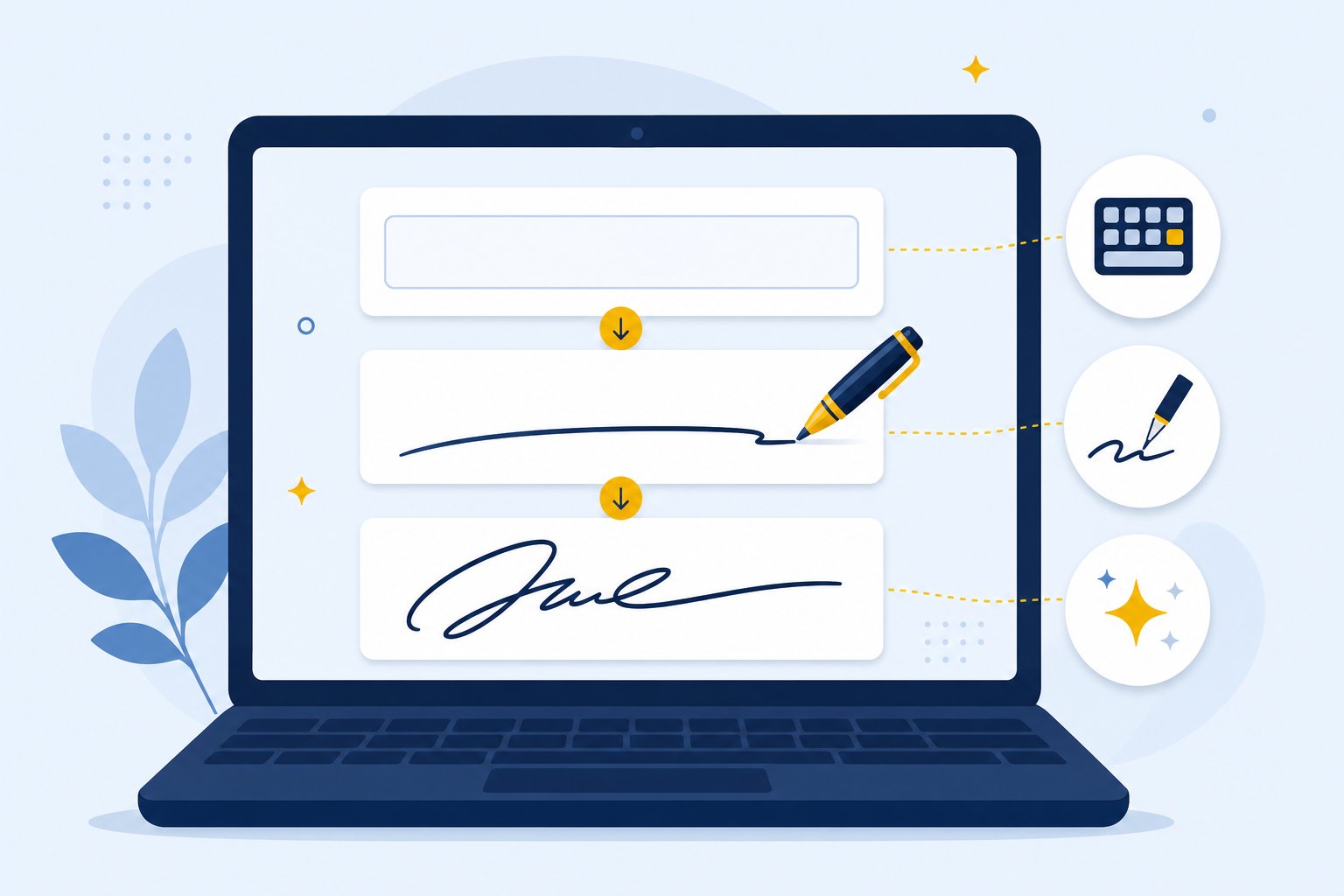
Type your name, pick a font or draw it — or let the AI build a designer-grade signature. Takes under a minute.
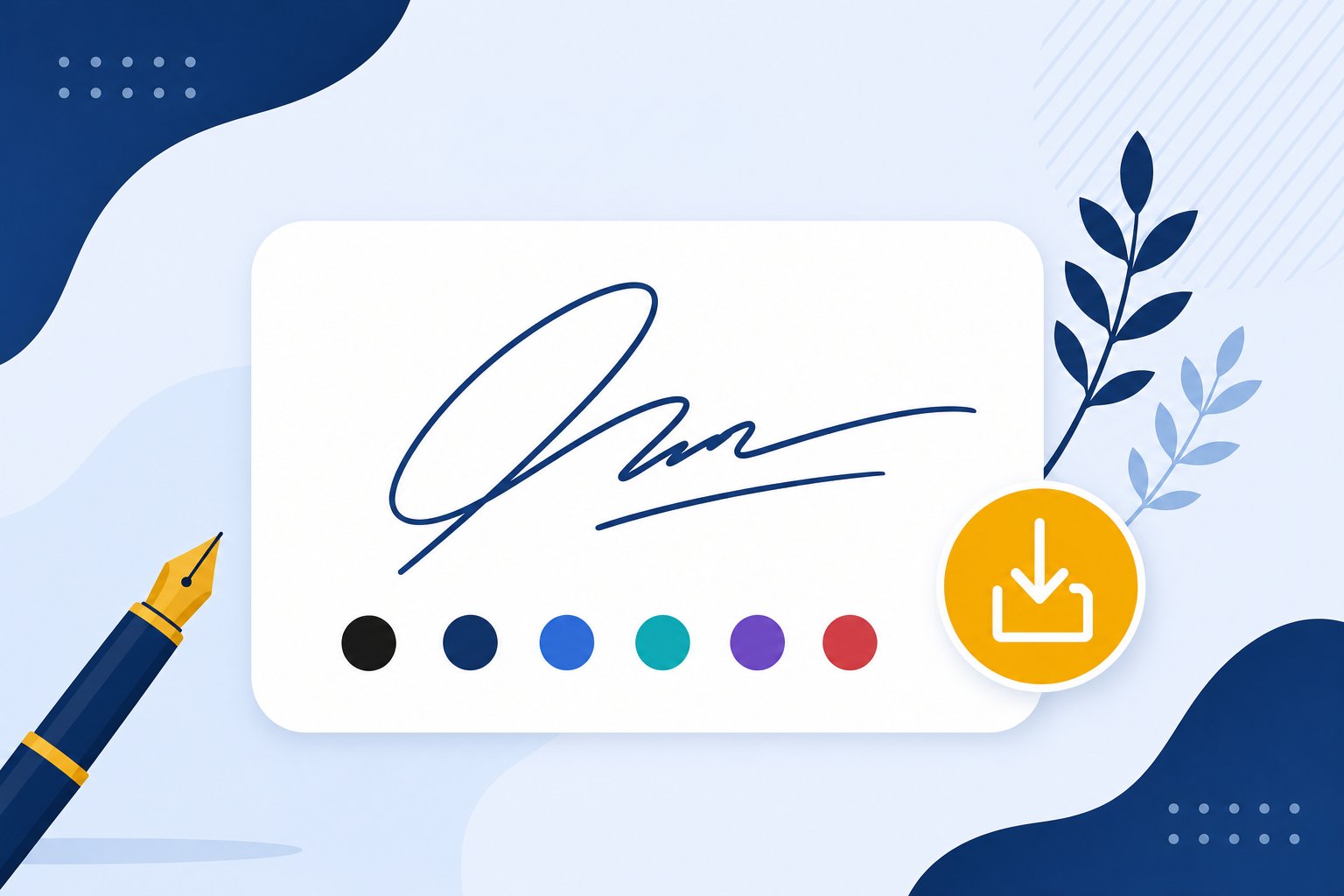
One click gives you a crisp PNG with a fully transparent background — no white box, no cleanup needed.
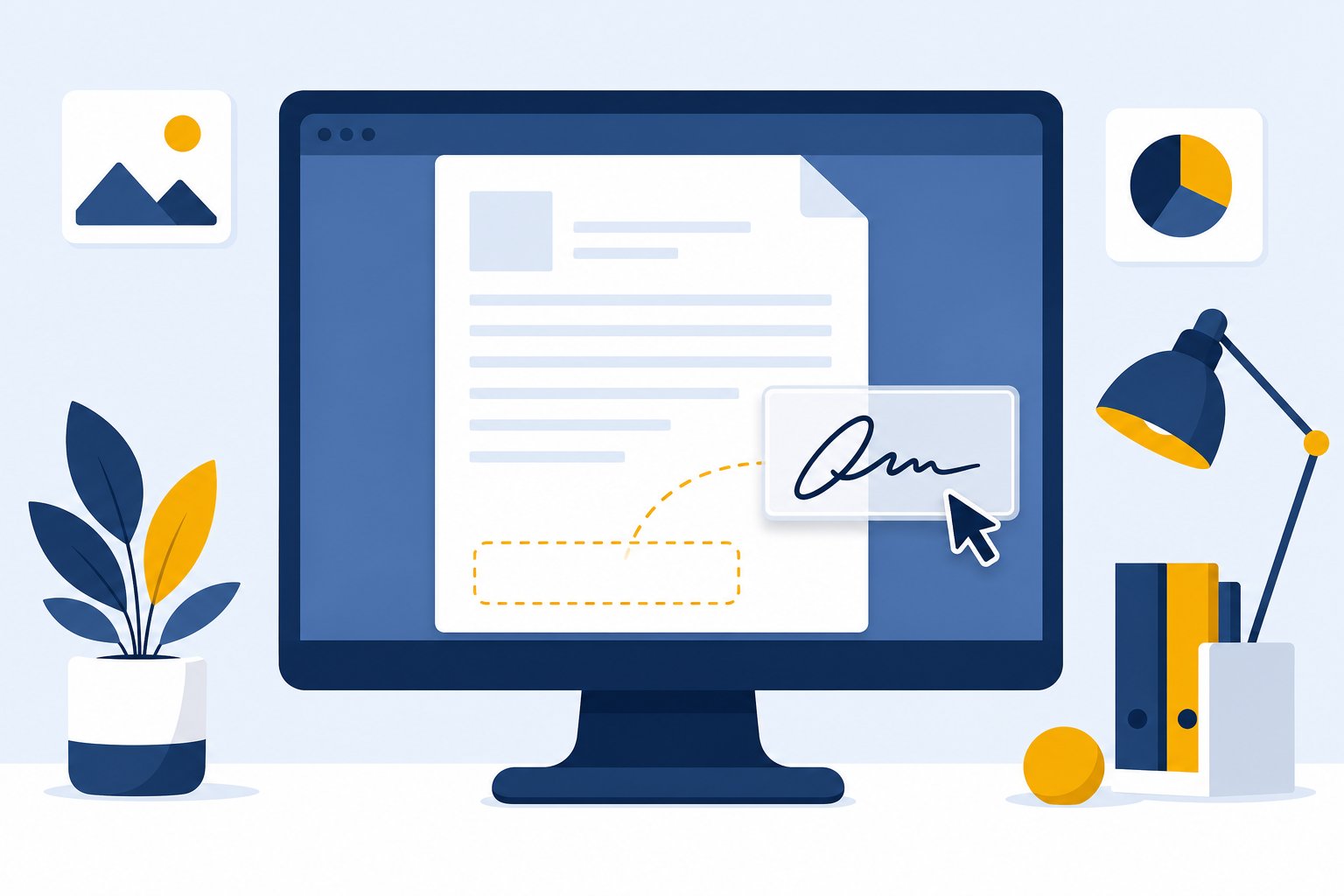
Open the PDF in Acrobat, Preview or any editor and place your signature exactly where it belongs. Done — no printer involved.
See how a generated signature sits naturally on real document types.
The print-sign-scan routine is over. Here is the difference:
Anywhere a PDF needs your mark, this signature fits right in.
Sign NDAs, service agreements and partnership contracts without printing a page.
Approve invoices, quotes and receipts with a clean, professional mark.
Fill and sign official forms the way authorities expect — neat and legible.
Landlords and tenants sign leases in minutes, fully remotely.
Accept offers and onboard documents the same day you receive them.
Sign off proofs, designs and change requests with one reusable signature.
Not every image format behaves the same inside a PDF — here is the honest breakdown:
The signature floats on the page with zero background — exactly what this tool exports by default. Crisp at any zoom.
Fine for flat white pages, but a white box appears over colored areas or letterheads. Use only for quick drafts.
Infinite scaling and tiny size, but most PDF editors do not accept SVG drops — great for designers, awkward for daily use.
Placement is what separates a convincing signed page from a floating sticker. One set of rules covers it.
Full signature goes where the page asks for it. Sit the bottom of the mark right on the signature line, around 40 to 60 mm wide at real size, like a good pen would leave it. Anything floating above the line reads as pasted even when it looks tidy.
Never cover printed words. If your PNG sits on top of body text, someone reviewing the page will question it. Give the signature its own clear space, beside the date or in the reserved field.
Long documents get initials on inner pages. A small set of initials in a bottom margin corner shows every page was read rather than only the last one. It also protects you if a page were ever swapped after signing.
You never need to sync a file to a computer first. The whole loop runs in whatever browser is already open.
Download the PNG in Safari, open your PDF in Markup or the Acrobat app, and place the image on the line. Greenfield finger drawing in Markup works too if you prefer to scribble.
The free Acrobat Reader app and Google Drive's annotator both accept inserted images on the page. The file from this generator imports cleanly into either one.
Preview on Mac, Acrobat on Windows, or browser editors like Xodo and PDFescape all treat your transparent PNG the same way. No app installs stand between download and signed file.
Once you have run the loop once, a full round trip rarely takes more than a minute.
Not every signed PDF is built the same way. Knowing which level your document actually wants saves you from overbuying software or underestimating a form.
This is what the tool on the left makes. A transparent PNG of your mark rests on the document surface like a stamp, and it covers agreements, approvals, letters and the daily paperwork between people who already communicate normally.
Some forms ship with an empty signature box their author created in Acrobat. Open the file in any editor with Fill and Sign, drop the same PNG into that field, and the document records it against the field cleanly. Same image, smarter container.
Regulated filings, vendor-managed workflows and many government submissions expect an audit trail through DocuSign, Adobe Sign or a comparable platform. That signing kind goes beyond what a PNG can do, and it comes with its own account and verification steps. Everyday paperwork almost never needs it.
Most people reading this page need L1 or L2. If your recipient sent you their own signing link, use theirs and keep the PNG for everything else.
The PNG background is fully transparent — your signature floats cleanly on the page.
Crisp even when zoomed or printed — no blurry signatures.
Typed fonts, AI artistic designs, or your own handwriting via Draw mode.
Extract ink from a paper photo automatically.
🖼️Transparent 4x PNGs, instantly downloadable.
✉️Professional footer signatures for email clients.
📧Paste-ready signatures for Gmail settings.
These reviews come directly from users on Trustpilot and ProductHunt. We don't edit them — you read exactly what they wrote.
Have more questions? Contact us support@freesignaturegenerator.org
Type your name or draw it on the pad. Pick a style that fits. Download your signature in seconds — free, no account needed.
Create My Free SignatureNo sign-up · No watermark · Free forever
Download should start automatically — if not, use the options below.
Tip: you can also right-click the image → "Save image as…"