Free Signature Generator

Home / Tools / Professional Signature Generator

Free Online Tool

Professional Signature Generator

Your signature is part of your professional image. Generate clean, credible designs — Business category AI styles are tuned for contracts, invoices and corporate email.

✓ Free forever ✓ No sign-up ✓ Runs in your browser ✓ Instant download

Your signature will appear here — just type your name above

100% free · No sign-up required · Transparent PNG download

How to Create a Professional Signature

Boardroom-grade results in three steps.

01

Type Your Name

Full name or initials — the layout stays sharp either way.

02

Choose a Business Style

Executive, corporate and minimalist fonts built for documents.

03

Download the Crisp PNG

A clean, transparent signature ready for corporate use.

Why a Professional Signature Generator?

Your signature speaks before you do.

The Old Way 😓
  • A messy scribble looks careless on official documents
  • Practicing a boardroom signature takes weeks
  • Inconsistent marks raise eyebrows on legal files
  • Designers charge heavily for executive signatures
With This Tool ✨
  • Sharp, credible styles designed for business documents
  • Consistent output across every contract and email
  • Crisp high-resolution export for print-quality documents
  • Free, instant, and no sign-up required

Where a Professional Signature Fits Best

Every document that carries your reputation.

📑

Business Contracts

Sign agreements and statements with quiet authority.

📧

Corporate Email Signatures

Every message ends with a credible mark.

🏛

Official Correspondence

Letters, memos and filings that demand formality.

📊

Reports & Approvals

Approve budgets and project docs with a clean signature.

💼

Executive Stationery

Letterhead and business cards finished the right way.

🤝

Vendor & Client Docs

Purchase orders, SOWs and approvals in seconds.

Best Export Format for Your Signature

Professional signatures look cleanest as transparent PNGs on crisp white documents.

Recommended

Transparent PNG

Zero background — the signature floats over any document, page or email body. This is the tool's default output, crisp at any zoom.

JPG

Great for flat white documents and quick drafts — but shows a white box over colored backgrounds and textures.

SVG

Infinite scaling for pro design and print work — most everyday editors don't accept SVG drops, so casual users should stick to PNG.

What "Professional" Actually Means in a Signature

It has nothing to do with looking fancy — and everything to do with three quiet habits.

1. Readable at a glance

Someone handling your invoice or contract should make out your capital letters without tilting the page. If it reads as pure scribble, trust drops — it looks like you rushed.

2. Repeats the same every time

Banks, clients and HR teams compare signatures between documents. Ten identical signatures read as reliable; ten different ones read as a risk.

3. Wears restraint

One underline earns presence. Three loops, a crown and double underline say the opposite. Professional marks hint at confidence instead of announcing it.

Judge every design on this page by that trio and the shortlist picks itself.

Meet the Three Business Styles on This Page

The Business lane of the generator runs on three signature families — each one has a job it does better than the others.

For Everyday Sign-Offs

Executive Line

Your full name in a clean calligraphic base with one disciplined underline. Reads as the corner office default — the CEO who doesn't have to prove anything.

Best on: contracts, letters, formal PDF sign-offs

For Volume Work

Corporate Double

A structured two-stroke design that holds its shape when you shrink it to footer size. Built for the fifty-documents-a-week reality of finance, ops and admin work.

Best on: invoices, purchase orders, approval queues

For Compact Spaces

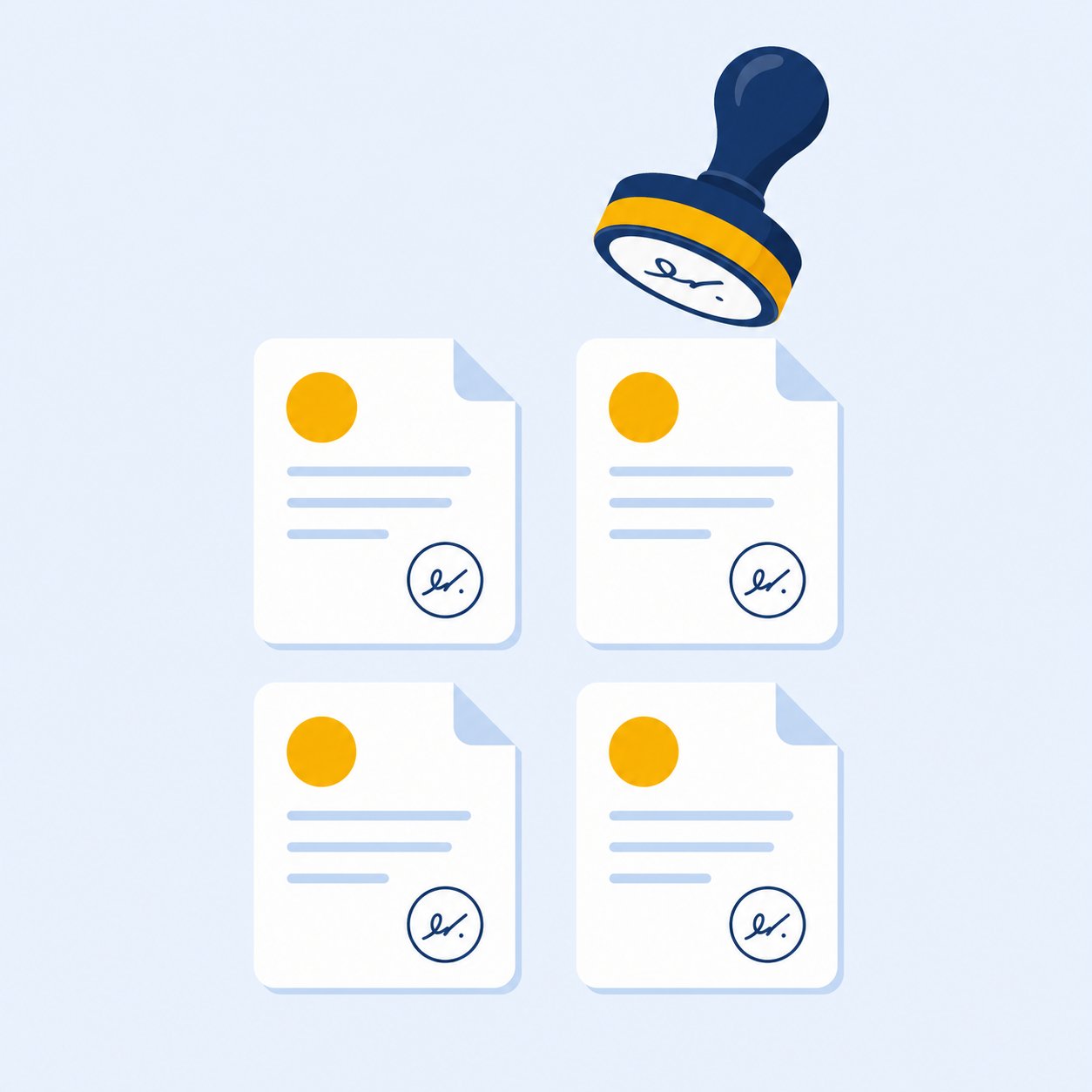
Initial Seal

Two letters inside a hand-drawn ring — a mark that fits the edge of a form without disturbing the layout. Stays legible at stamp size where full signatures turn to mush.

Best on: tight margins, receipts, stamps, quick approvals

Generate once and all three appear in the first set — closing the tab is the only wrong way to choose between them.

Build a Signature of Record

Professionals don't have one signature per mood — they have one signature, period. Setting it up takes one sitting.

  1. 1

    Generate with your real name and shortlist two Business designs. Open each at full size and pick the one you'd sign a five-year contract with.

  2. 2

    Download the master PNG in your standard ink — black or navy reads as business defaults everywhere. Save the file where you won't lose it.

  3. 3

    Install it where you work. Add it to your email footer, then the same file into every document that needs signing — steps differ slightly for signing PDFs directly.

  4. 4

    Then stop changing it. Consistency is the entire point. If six months of paperwork all carry the same mark, anyone comparing documents sees one professional, not several experiments.

Where a Professional Signature Earns Its Keep

Five places where a credible mark moves the needle — and two where it doesn't belong.

📄 Contracts & Agreements

The client reads your name twice: once in the header, once above the signature line. Make both match.

💼 Proposals & Invoices

A signed quote reads as a commitment; a typed name reads as a draft. The difference shows up in response times.

🗂 HR & Compliance Paperwork

Policies, reviews and onboarding forms stack up in archives for years — anonymity serves nobody there.

📧 Corporate Email Footers

A small PNG under your sign-off gives every email a pulse. Keep it thumbnail-sized; subtle beats loud.

🧾 Letterheads & Stationery

Print-quality output scales cleanly onto letterhead templates — one file covers the whole identity pack.

Where it doesn't belong

Creative portfolios and personal branding want personality first — the handwritten generator or a looser Custom build serves those better. Professional polish scores with people who sign checks, not with people who collect art.

Picking between a typed name and a designed mark for ordinary documents? The plain name generator covers that route well.

Built for Business

Business AI Designs

10 Business designs per generation — browse 4 at a time: executive underlines, corporate doubles and sealed initials.

Legible & Confident

Professional signatures stay readable at a glance — trust at first sight.

Document Ready

Transparent PNG export drops straight into Word, PDF and email footers.

Related Free Tools

View all tools →

Verified User Reviews — What Real People Say

These reviews come directly from users on Trustpilot and ProductHunt. We don't edit them — you read exactly what they wrote.

Frequently Asked Questions

Have more questions? Contact us support@freesignaturegenerator.org

Your Signature. Your Style. Create It Free Today.

Type your name or draw it on the pad. Pick a style that fits. Download your signature in seconds — free, no account needed.

Create My Free Signature

No sign-up · No watermark · Free forever