Free Signature Generator

Home / Tools / Signature PNG Generator

Free Online Tool

Signature PNG Generator

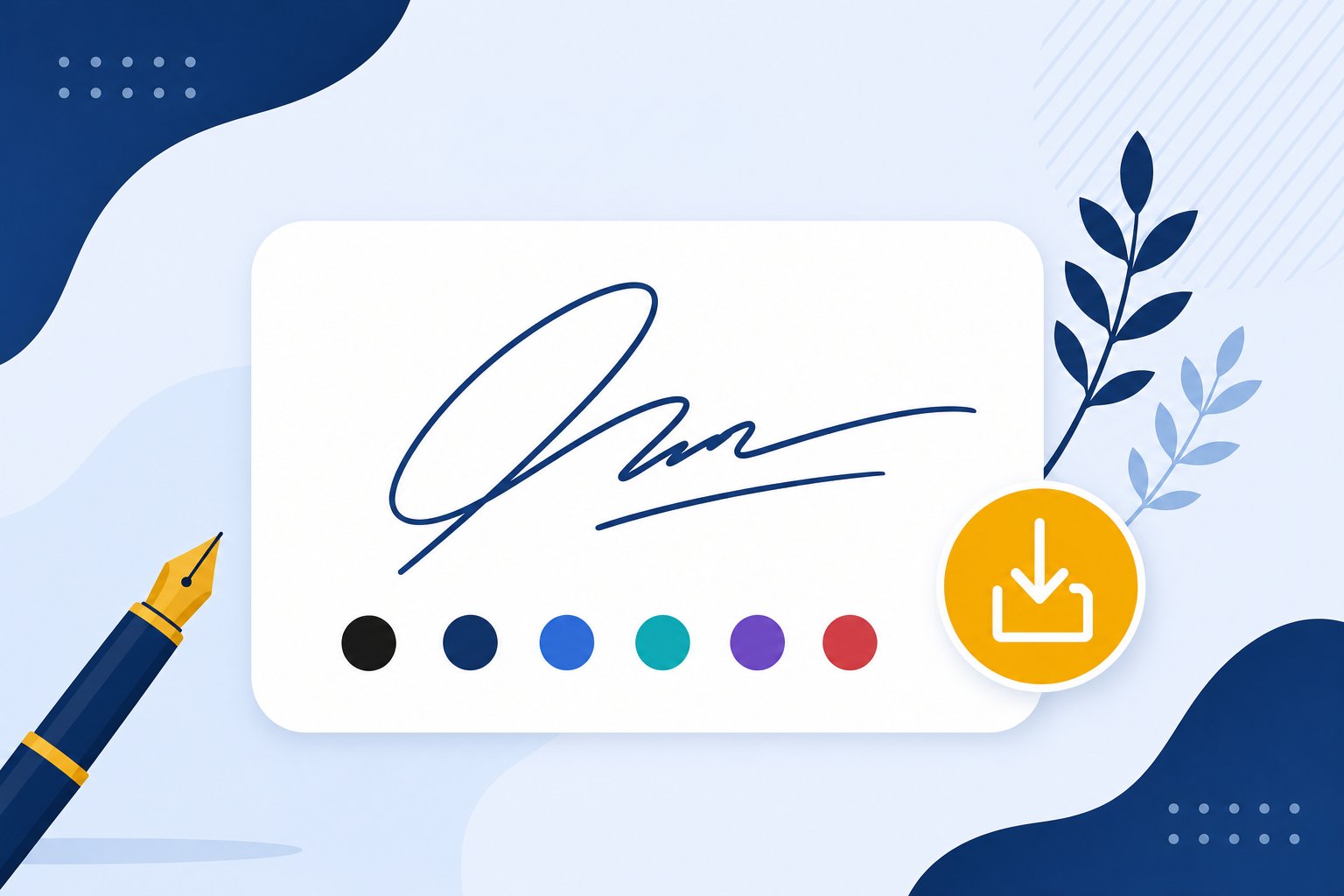
PNG is the universal signature format. Generate yours with a transparent background at 4x resolution — instantly ready for Word, PDF, email and design tools.

✓ Free forever ✓ No sign-up ✓ Runs in your browser ✓ Instant download

Your signature will appear here — just type your name above

100% free · No sign-up required · Transparent PNG download

How to Make a Signature PNG

A signature image in three steps.

01

Type or Draw Your Signature

Every creation path works — fonts, AI, or hand-drawn.

02

Fine-Tune the Style

Pick the font or AI design that feel right on paper.

03

Download the Transparent PNG

Instant 4x-resolution PNG with a fully transparent background.

Why a Dedicated Signature PNG Maker?

Not every image format deserves your signature.

The Old Way 😓
  • Screenshots of signatures come out low-res and boxed
  • Online converters watermark your export
  • JPGs drop ugly white rectangles over documents
  • Generic generators hide PNG export behind paywalls
With This Tool ✨
  • Transparent PNG is the default output here
  • 4x resolution stays crisp when printed or zoomed
  • No watermark, no account, no limits, ever
  • Works out-of-the-box for Word, PDFs and email

Where a Signature PNG Gets Used

The universal signature image format.

📝

Word & Google Docs

Drop into any document with zero background artifacts.

📊

Presentations & Slides

Sign off slides and project decks cleanly.

🖼

Design Tools & Canva

An image layer you can resize without losing quality.

📧

Email Clients & Footers

PNG signatures survive every email client render.

🖨

Print & Office Printing

Crisp output even after a print-and-scan cycle.

🗄

Cold Cloud Storage

One reusable asset, stashed once and used forever.

Best Export Format for Your Signature

This one is easy — the whole point is the transparent PNG. You are in the right place.

Recommended

Transparent PNG

Zero background — the signature floats over any document, page or email body. This is the tool's default output, crisp at any zoom.

JPG

Great for flat white documents and quick drafts — but shows a white box over colored backgrounds and textures.

SVG

Infinite scaling for pro design and print work — most everyday editors don't accept SVG drops, so casual users should stick to PNG.

What a Transparent Background Actually Buys You

The checkerboard isn't just a format checkbox. It changes how your signature photographs, scans and stacks on designs.

Solid background (JPG)

Regular photos and JPGs carry an opaque box. On white paper it is invisible, but the moment the page has texture, color or a darker theme, a white rectangle frames your name.

Transparent PNG

The file stores which pixels are ink and which are empty. Placed on any background, only the ink lands, so a signature can sit over a map, a photo, a colored letterhead or a dark-branded email.

Vector (SVG)

Zero pixels at all. Scalable to billboard size with no softening. This page focuses on PNG because it works everywhere images do, and the SVG twin handles the enlarged-print jobs.

Every save from the generator defaults to transparent PNG. The ink color, the strokes and the flow stay identical, only the background changes.

How Large a Signature PNG Do You Actually Need

Match the file to where it lands, once. The reference below stops blurry resizes before they happen.

Where it's going Recommended PNG width Our 4x export covers it?
Email footers (Gmail, Outlook) 300 to 400 px wide Comfortably
Word docs and Google Docs 400 to 600 px wide Comfortably
PDFs and contracts at print quality 800 to 1200 px wide Yes, at 4x
Printed cards and letterheads 1200 to 2000 px at 300 DPI Yes, at 4x
Banners, signage, engraving No pixel limit Use the SVG export instead

The typical download from this page comes out around 1200 to 2000 pixels wide depending on your name, which covers everything on the safe list above.

Inserting the PNG Into the Apps You Already Use

The same file, six common destinations, one step difference at most.

📧

Gmail and Outlook. Open the signature setting, choose Insert Image, and the PNG floats into the footer cleanly over text. The email signature page shows the full menu flow, including size and link settings.

📝

Word and Google Docs. Insert, then Image, then set wrapping to In front of text so the signature moves freely. The guide to inserting a signature in Word walks the exact picture-by-picture path.

📄

Acrobat and PDF editors. Every editor with an Add Image tool accepts it. For signing directly inside the file with no middle step, the dedicated PDF signature page opens the generator pre-tuned for that job.

🎨

Canva, Figma and Photoshop. Drag or upload the PNG as an asset. Because the background is transparent, it composites over imagery like a die-cut logo sticker.

✍️

From your own handwriting. If your real signature already lives on paper, the image extractor isolates the ink into a transparent PNG in seconds. The signature-from-image generator handles that conversion without any manual masking.

The Perfect PNG, Every Time

Transparent Background

Drop your PNG onto anything — documents, photos, videos — with zero white box.

High Resolution

4x export stays crisp at any display or print size.

Six Ink Colors

Match your brand: black, navy, blue, teal, violet or red.

Related Free Tools

View all tools →

Verified User Reviews — What Real People Say

These reviews come directly from users on Trustpilot and ProductHunt. We don't edit them — you read exactly what they wrote.

Frequently Asked Questions

Have more questions? Contact us support@freesignaturegenerator.org

Your Signature. Your Style. Create It Free Today.

Type your name or draw it on the pad. Pick a style that fits. Download your signature in seconds — free, no account needed.

Create My Free Signature

No sign-up · No watermark · Free forever