Type your name or draw your signature by hand. Pick one of 31 styles, then download a clean PNG for your emails, documents and PDFs. Everything runs in your browser, so there's nothing to install. It's free, there's no watermark, and you don't need an account.
Your signature will appear here. Just type your name above
AI is designing your signature…
✨ Click any style to apply it. All 31 designs are free
1/6100% free · No sign-up required · Transparent PNG · JPG and SVG in draw mode
Your signature is made on your own device. Nothing gets uploaded, and nothing is saved on our servers.
You can type your signature, draw it, or let AI mode make one for you. After that, use the editor to set the font, size, ink color and thickness. When it looks right, download a transparent PNG. Drop it into Word, Gmail, a PDF or a contract.
AI mode makes 30 fresh designs every time you use it, covering business, simple and creative looks. Pick the one you like. Then download it and you're done.
Try AI mode
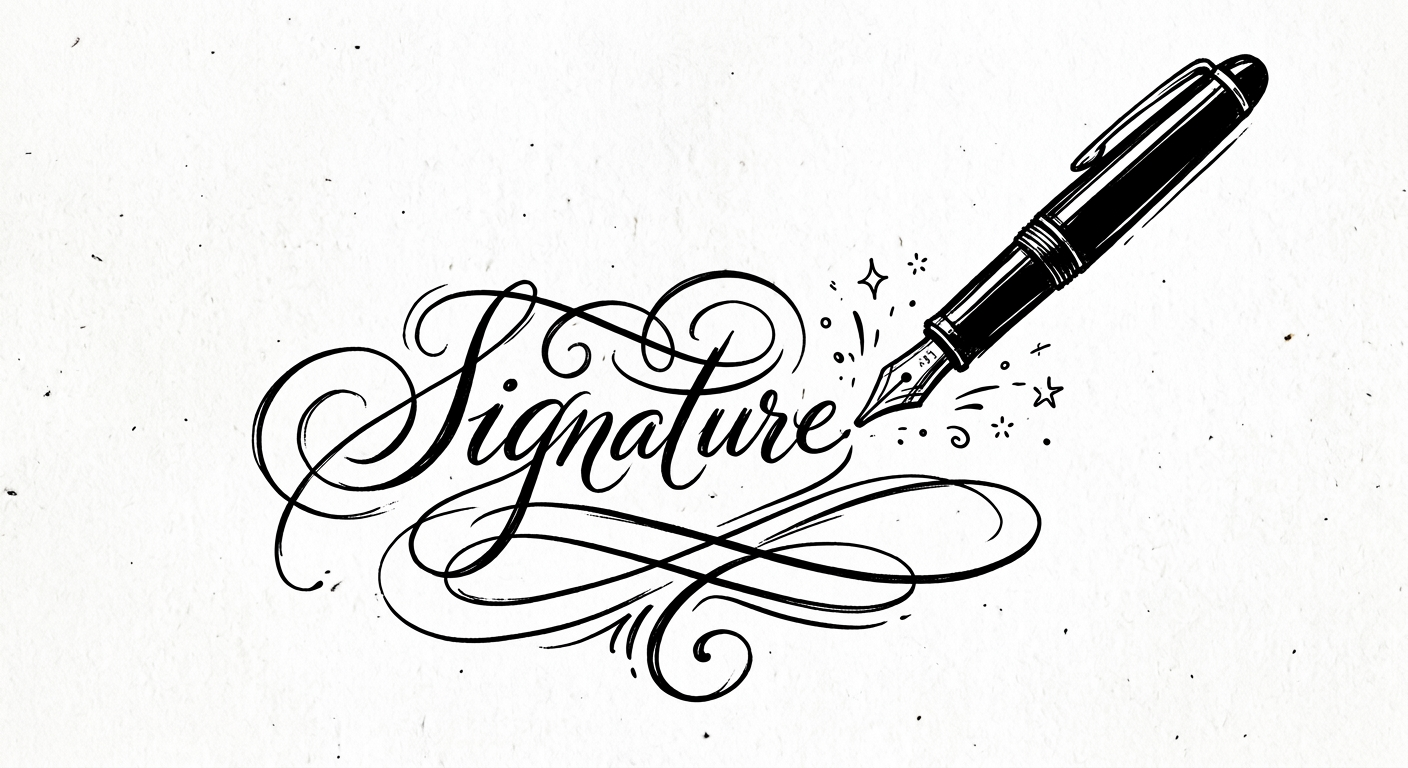
Type your name, your initials or your full name, then pick one of 31 signature fonts. You'll see the result as you type. The styles run from clean and professional to flowing calligraphy.
Draw on the pad with a mouse, a trackpad, your finger or a stylus. Then change the ink color and thickness until it looks like your real signature on paper. It's that simple.
Some signatures need to stay serious. Make a sharp, easy-to-read signature for contracts, work emails and official papers, where a clean look matters more than a fancy flourish.
Open the editor and take full control. Change the font, size, ink color and thickness until the design feels right. Then save it as a PNG, JPG or SVG.
Every tool here is free, and none of them need an account. Use the generator above when you're in a hurry. Open a dedicated tool when you want a certain style, a certain file type, or a full email signature.
Type your full name and AI mode gives you 30 fresh designs every session. Choose your favorite. Then download it as a transparent PNG.
✍️Draw your signature with a mouse, your finger or a stylus. Set the ink color and thickness, then export a sharp PNG, JPG or SVG.
👤Type your name, pick a style, and you'll have a signature image in seconds. It works well for emails, PDFs, contracts and personal branding.
🏛️Make flowing calligraphy signatures that look handmade. People often use them for certificates, invitations and personal branding.
💼Create a clean, easy-to-read signature for contracts, work email and official documents.
📄Make a signature image that's the right size for PDFs. Download a transparent PNG, then drop it into any PDF editor that accepts images.
🖼️Export your signature as a transparent PNG with no background. It drops straight into Word, Google Docs, Canva or an email signature.
✉️Build a full email signature with your name, job title, phone number, photo and links. Copy it, then paste it into Gmail, Outlook or Apple Mail.
📬Make a signature that's ready for Gmail. Copy the block and paste it into Gmail Settings. You don't need to touch any HTML.
🔏Create a signature for electronic documents, whether you type it, draw it or make it with AI. The download is a free transparent PNG.
🧩Turn a drawn signature into an SVG file. It stays sharp at any size, on screen or in print.
Every example here was made with this free signature generator. Look through the styles and find one that feels like you. Then type or draw your own name and create your signature.
Three steps, under two minutes, and nothing to install.
Type your first name, last name, full name or initials. You can also switch to Draw mode and sign with your mouse, finger or stylus. Either way, you see the result right away.
Use the editor to set the font, style, size, ink color and thickness. Want more choices? AI mode can make 30 fresh designs whenever you ask.
Download your signature as a transparent PNG for emails, documents and PDFs. In Draw mode you can also save a JPG with a white background, or an SVG that stays sharp at any size.
Each card shows a style you can make with this generator, including cursive, calligraphy, initials and print. These are examples made with our fonts. They aren't copies of any real person's signature.
A signature image and a full email signature are two different things. Here's what each one does, and which tool to use.
Download a transparent PNG of your typed or handwritten signature, then add that image to the email signature you already use. It works in Gmail, Outlook, Apple Mail and most other email apps that accept images.
Need your job title, phone number, photo and links too? Build a complete email signature from ready-made templates with the Email Signature Generator or the Gmail Signature Generator, then paste it into your email settings. We don't run an email signature manager for you, so you copy the finished block into your email app yourself.
People use these three terms as if they mean the same thing. They don't.
This is a picture of your signature. You can make one here in under a minute, then paste it into documents, emails, forms or designs. It doesn't record who signed or when.
This is any electronic mark that shows you meant to sign, like a typed name or a signature image. A signature image is one kind of electronic signature.
This one is different. It uses digital certificates and secret codes to lock a signature to a document, so any later change is easy to spot. We make signature images, not certificate based digital signatures.
Please read this part. Our tool makes signature images. It doesn't check who you are, and it doesn't issue certificates. Whether an electronic signature counts as legally binding depends on your country or state, the type of document, the agreement of everyone involved, and how the document was signed. Laws like the ESIGN Act in the US and eIDAS in Europe accept many kinds of electronic signature. Wills, papers that need a notary, and some court or property filings need extra steps. If the document matters, check your local rules or ask a lawyer.
Your download is a normal image file. That means it works anywhere an image works, on a computer or a phone.
The signing itself happens inside the app you already use. We make the signature image, and we don't sign documents for you. For a PDF walkthrough, try the PDF Signature Generator. Step-by-step help for Word is in our guide on how to insert a signature in Word.
Feedback from people who use this free tool for contracts, email signatures and documents.
Featured On Leading Platforms
Still have a question? Contact us support@freesignaturegenerator.org
Type or draw your signature, then make it yours in the editor. Set the font, ink color and thickness the way you like them. Then download a transparent PNG for emails, documents and PDFs. It's free, there's no account to create, and no watermark on your file.
Create My Free SignatureNo sign-up · No watermark · Free forever
Your signature is ready 🎉
Your download should start automatically. If it doesn't, use the options below.
Tip: you can also right-click the image → "Save image as…"